An Enscape alternative.
Enscape is a real-time renderer that lives inside your modeling software. It is excellent, and it begins from an assumption: that a model already exists. Everything about the comparison follows from that one assumption.
What Enscape is for
It plugs into SketchUp, Revit, Rhino, Archicad or Vectorworks and renders the model live. Move a wall and the render updates as you watch. Walk the space, export a walkthrough, hand a client a panorama. For a practice that models as part of its normal work, this is close to the ideal arrangement: the visualization is a view onto the thing you were building anyway.
Pricing is a license. A single Solo seat is published at US$96.90 per month billed month to month, or $574.80 for a year paid up front. The higher Premium and Collection tiers are sold on annual terms only. There is a 14-day money-back window in place of a free tier, and Indian purchases carry 18% IGST on top.
The three things that come with it
- A model. The renderer renders what you modeled, so the modeling hours land before the first image. For construction work they were always going to be spent. For a concept conversation they are the whole cost.
- A host application. Enscape is a plugin, so a SketchUp or Revit license sits underneath it. The visualization budget is the sum of both.
- A GPU. Real-time rendering needs real-time hardware. A capable workstation is part of the price, and it decides where you can work.
Each of those is reasonable on its own terms. Together they describe a workflow built for practices that produce buildable detail.
The alternative shape
RoomGen Studio starts from the floor plan and finishes at the image. The plan supplies the walls, openings and dimensions; the studio furnishes the rooms at true scale and renders them in a browser tab, on whatever laptop is in front of you.
- The plan supplies the modeling step. Dimensions come out of the drawing you already have.
- Hardware stops mattering. The rendering happens remotely, so a thin laptop and a workstation produce the same picture at the same speed.
- Pricing is per image. Plans start at $19 a month for 4,500 credits, a standard render costs 70 and a hero 150. Accounts open with 100 free credits, before any payment details.
- Motion is included. Camera moves and relights come from the finished still, covered in turn a render into a video and changing the time of day.
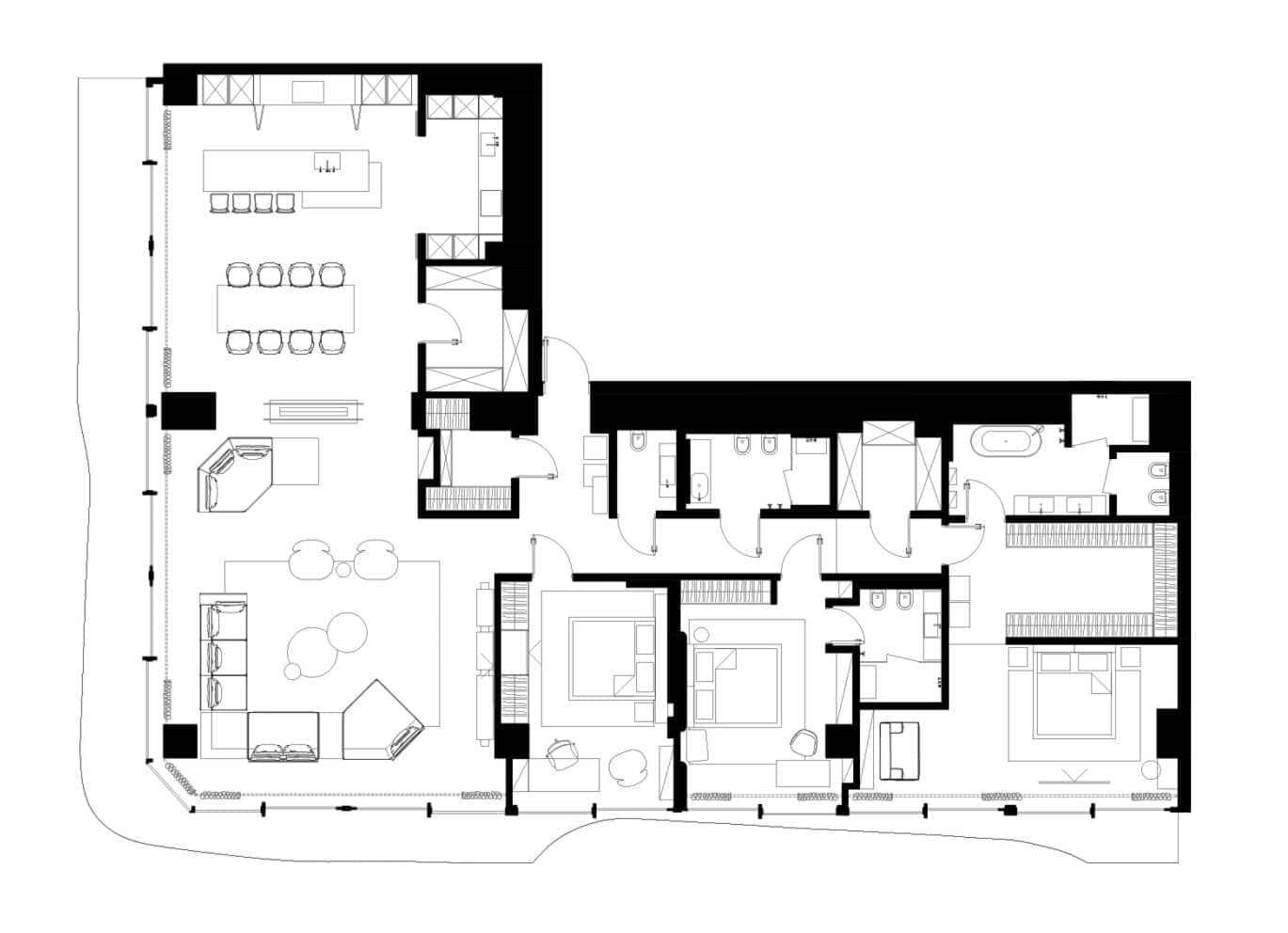 Plan
Plan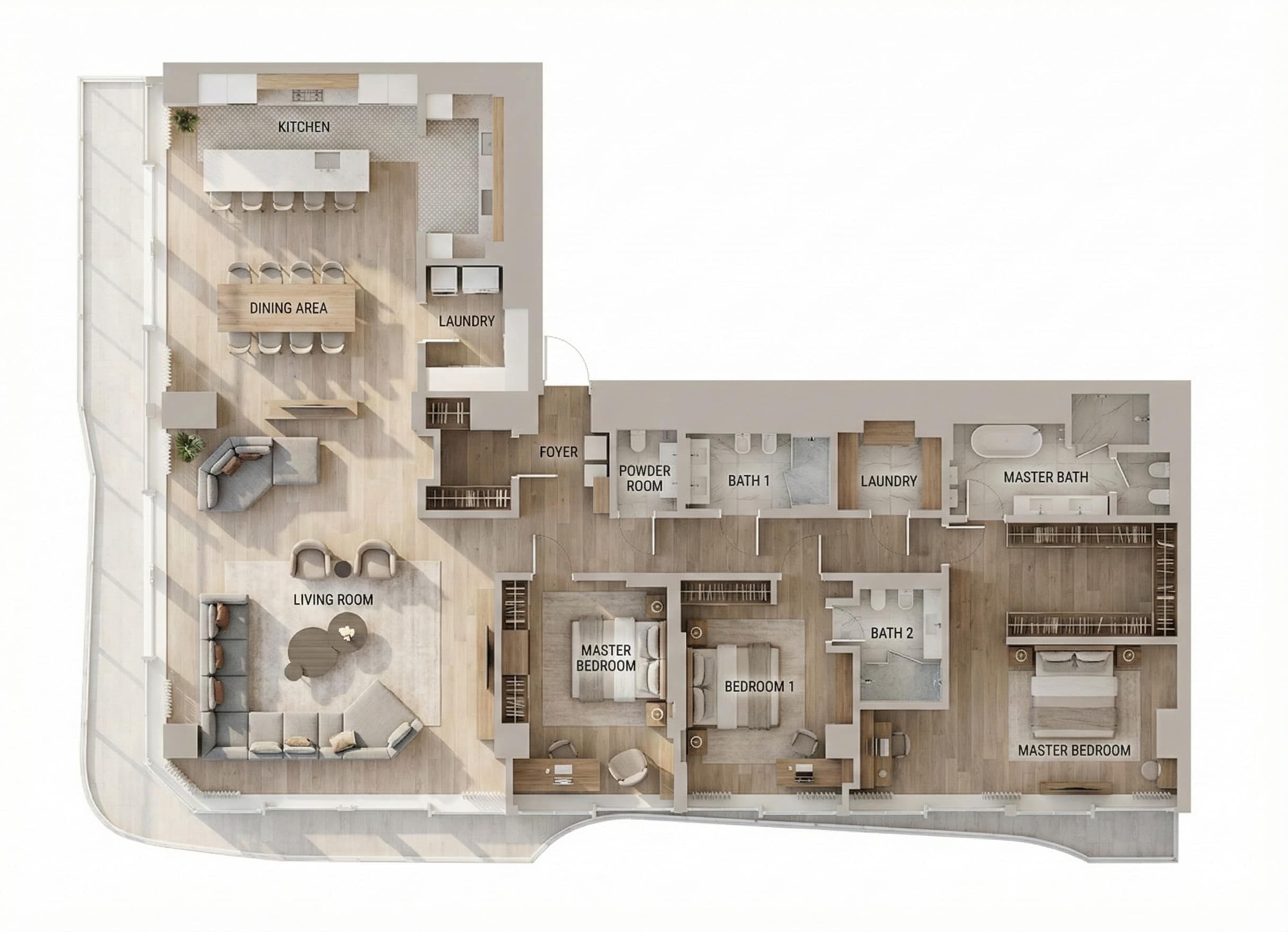 Render
What stays with Enscape
An honest comparison has to name this clearly. Enscape keeps parametric control, so a change to the model propagates everywhere. It keeps exact custom geometry, so a bespoke stair is the stair you designed. It keeps true real-time interaction, which is a different experience from generating images one at a time. It keeps VR and live client walkthroughs. And it keeps coordination, because the model travels to consultants and contractors.
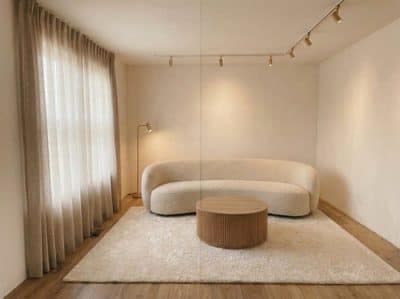
Eye level
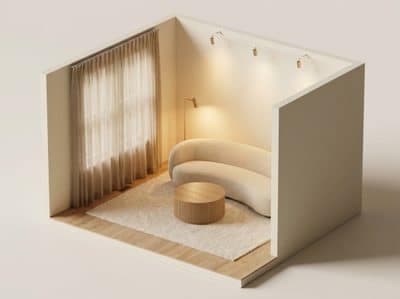
Isometric
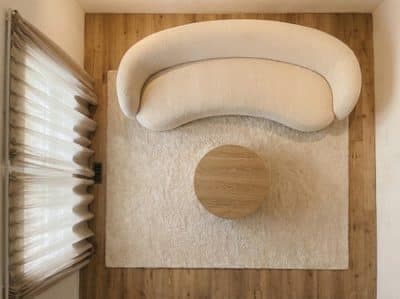
Top down
Those are decisive advantages on a build project and irrelevant on a mood-and-scheme presentation. The boundary is drawn in detail in design software that skips SketchUp.
Where each one wins
Choose Enscape when you already model, when the output feeds construction, or when a client needs to walk the space live. Choose the plan-first route when the deliverable is a picture, when the property arrives as a plan, when you need many rooms fast, or when the machine you work on is a laptop.
Plenty of practices run both, and the split tends to fall in the same place: render early from the plan to win the direction, model later to build it.
How these figures were checked
Enscape prices were read from the vendor’s own store in August 2026 with the term toggle set to monthly. The toggle defaults to annual, where Solo displays as $47.90. That figure is the yearly total divided by twelve, and paying month to month costs roughly double it. Confirm the current price and your regional tax before budgeting.
Common questions
How much does Enscape cost?
A single Solo seat is published at US$96.90 per month billed month to month, or $574.80 for a year paid up front. The higher Premium and Collection tiers are sold on annual terms only, a 14-day money-back window stands in place of a free tier, and Indian purchases carry 18% IGST on top. Prices were read from the vendor's own store in August 2026 with the term toggle set to monthly.
Does Enscape need a powerful computer?
Real-time rendering needs real-time hardware, so a capable GPU is part of the price and it decides where you can work. A browser-based studio renders remotely, which means a thin laptop and a workstation return the same picture at the same speed.
What is the best Enscape alternative for interior renders?
It depends on the input you are holding. When a model already exists, the honest answer is another renderer that reads it. When you are holding a floor plan and the deliverable is a picture, RoomGen Studio reads the plan, furnishes the rooms at true scale and renders in a browser tab. Plans start at $19 a month for 4,500 credits, with a standard render at 70 and a hero at 150.
When is Enscape the better choice?
When you already model, when the output feeds construction, or when a client needs to walk the space live. Enscape keeps parametric control, exact custom geometry, VR, and a model that travels to consultants and contractors. On a build project those advantages are decisive.
Try it on your own plan
Upload a floor plan or a room photo and see the first renders in about thirty seconds.
100 free credits · no credit card required
Get the next guide when it lands
We publish these as we work through what people actually ask about pricing, staging and turnaround. Leave an address to hear when a new one goes up.