Turn a render into a video.
Animating a still render traditionally meant returning to the 3D scene, keyframing a camera path and handing hours of compute to a render farm. Now the finished image is the only input, and the clip is back in minutes.
The finished image is the whole input
Upload the render, choose a camera move, and the room starts moving. Your modeling software stays closed, your GPU stays idle, and the render you already signed off on is the room the client sees.
Because the image is the input, the source stops mattering. Renders out of SketchUp, 3ds Max, Blender, V-Ray or Lumion all animate the same way, as do renders produced here from a floor plan.
Renders that animate beautifully
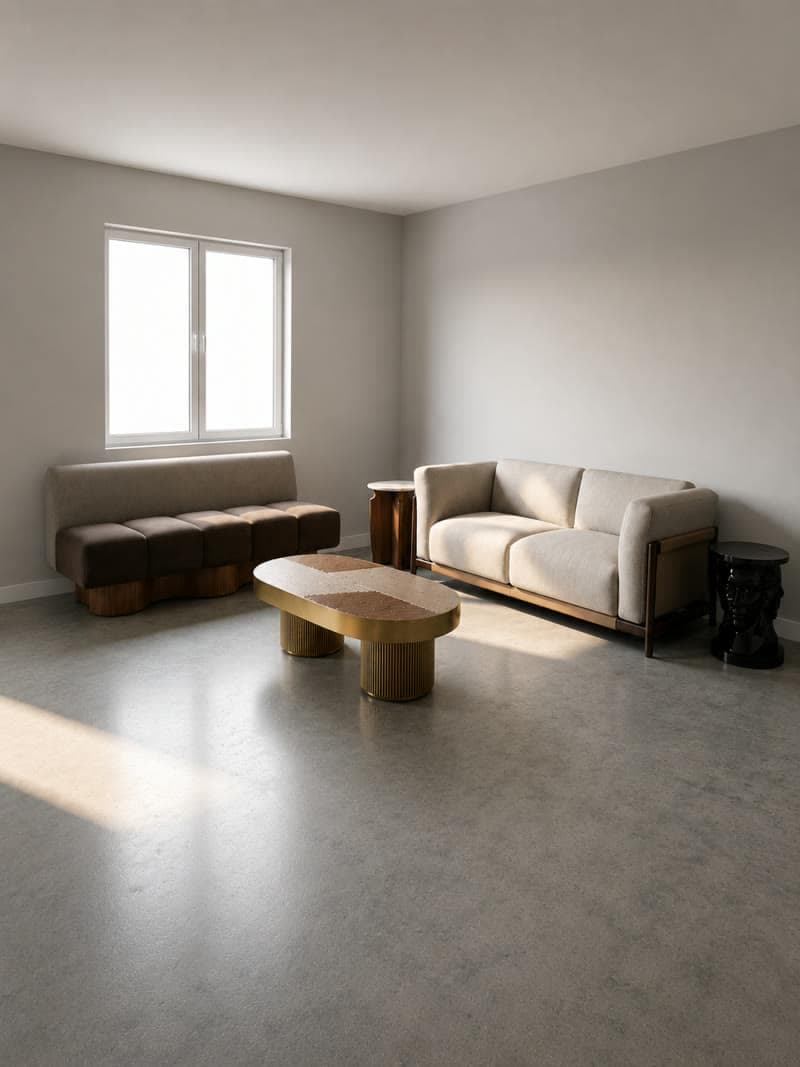
- Clear depth. Something near the camera, something in the middle, something far away.
- A defined focal point. A bed, a fireplace, a window with a view. The move has a subject to approach or circle.
- Generous framing. A little air around the subject leaves the camera somewhere to travel.
- High resolution. Detail in the source carries into the clip, so hand over the full-size render.
Pick the move, and you are finished
One move per clip is the rule that makes this quick. Choose by what the render was made to sell.
- Upload the finished render at full size.
- Pick one camera move and the subject it should settle on.
- Choose the aspect ratio: 9:16 for social, 16:9 for the portal.
- Generate four to eight seconds and download the clip.
Building something longer
A sequence beyond eight seconds is best assembled from several clips, one per shot. For a single room, generate a push-in on the wide, an orbit on the seating and a rise onto a detail, then cut them together in any editor. For a property, take one render per room and give each a short move. The result is a walkthrough that cost three uploads.
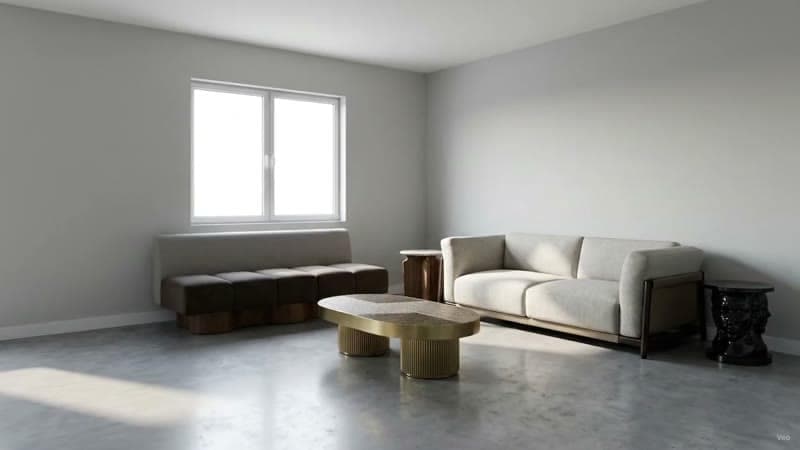
Push-in on the wide
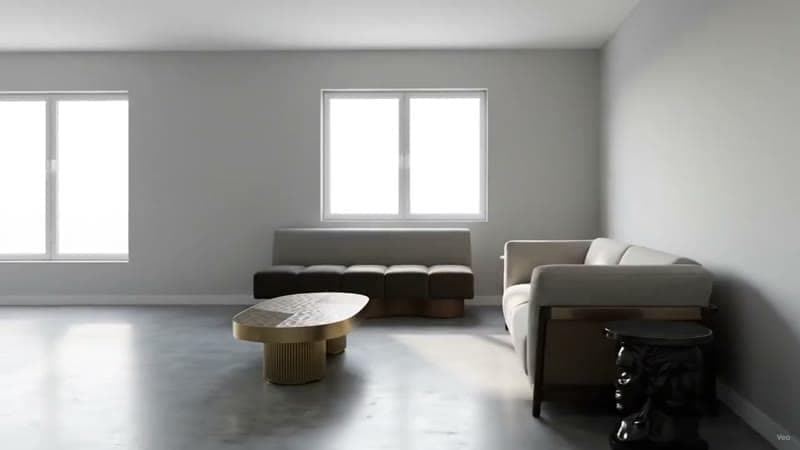
Orbit on the seating
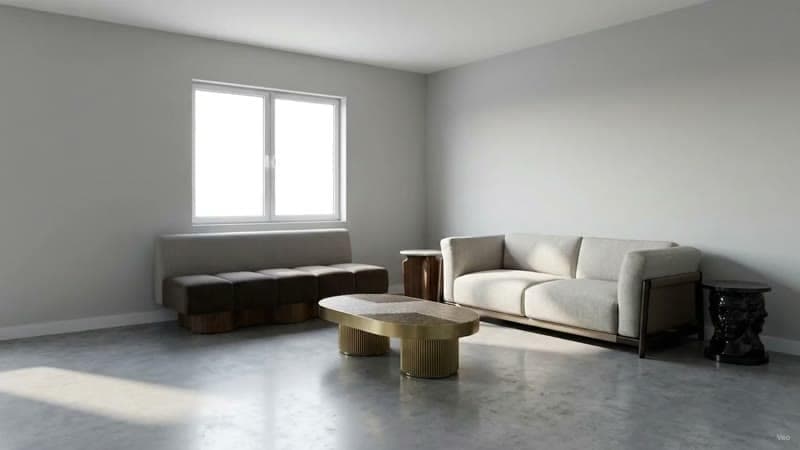
Rise onto the detail
Related: AI walkthrough from a photo if you are starting from a photograph, and AI interior design video for the overview.
Common questions
How do I turn a 3D render into a video?
Upload the finished render, choose one camera move, set the aspect ratio, and a clip of four to eight seconds comes back. Your 3D scene stays closed, and the render itself is the only file needed.
Do I need the original 3D scene?
The finished image is enough. That means renders from any source animate: SketchUp, 3ds Max, Blender, a client's PDF, or a render produced here from a floor plan.
How long should a render-to-video clip be?
Four to eight seconds, which is the length that earns a second watch in a feed. Build longer sequences by cutting several short clips together, one per shot.
What aspect ratio should an interior video be?
Choose it before generating, since the camera move is framed around it. Use 9:16 for social feeds and 16:9 for a portal listing or an email.
How long does it take?
Minutes for a single clip. A whole room in three shots is an afternoon's work reduced to a coffee break, and all of it happens in a browser tab.
Try it on your own plan
Upload a floor plan or a room photo and see the first renders in about thirty seconds.
100 free credits · no credit card required
Get the next guide when it lands
We publish these as we work through what people actually ask about pricing, staging and turnaround. Leave an address to hear when a new one goes up.
We only use your address to email you about RoomGen. Privacy policy · Terms