AI video for listings.
Most listings already own everything a video needs: eight good photographs and a floor plan. Generated motion turns that existing set into vertical video, which is the format the feeds reward.
Where this beats a slideshow
The common shortcut is a slideshow: stills with a crossfade and a Ken Burns pan. It reads as a slideshow, because the frame slides while the room stays perfectly flat.
Generated motion produces parallax: near objects travel across the frame faster than far ones, exactly as they do when a real camera moves. That single cue is what separates footage from a pan, and it is the reason the same photographs perform differently in the two treatments.
Formats worth producing
- 9:16 vertical, 15 to 30 seconds. Reels, Shorts, TikTok. Three to five clips cut together, hero room first.
- 16:9 landscape, 30 to 60 seconds. Portal listings, the email, the property page.
- 1:1 square. Feed posts and carousels.
- A single hero clip, 5 seconds. The one that autoplays at the top of the listing. Frequently the highest-value asset of the set.
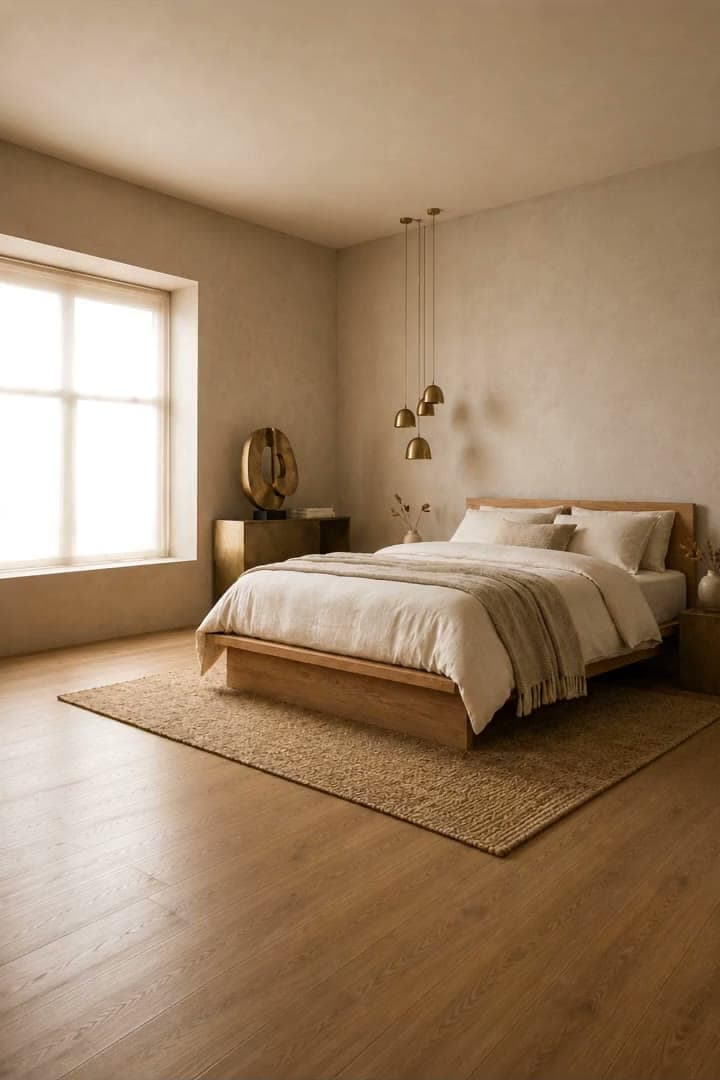
Bedroom
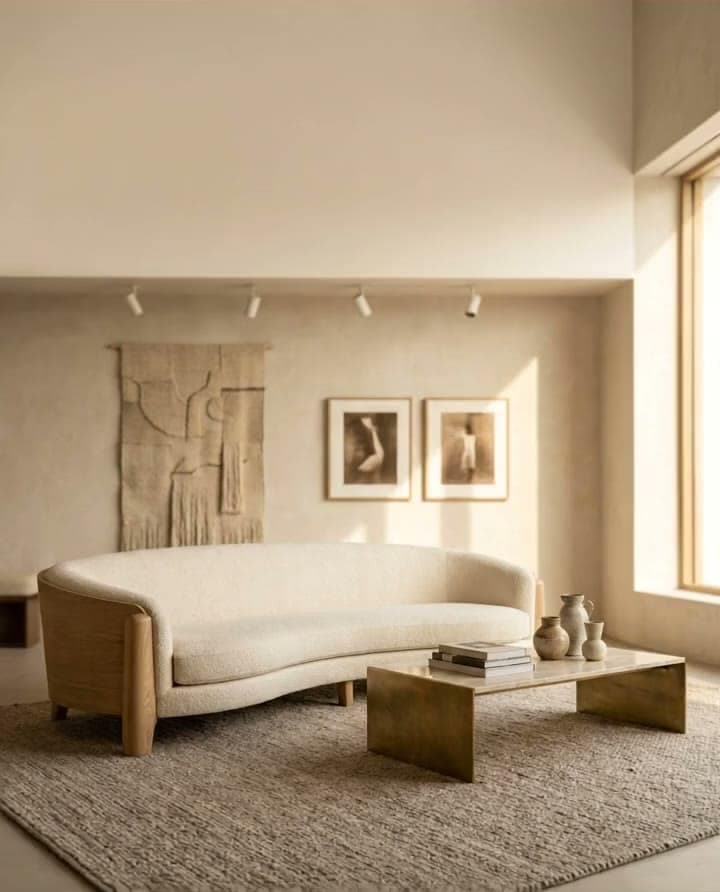
Living room
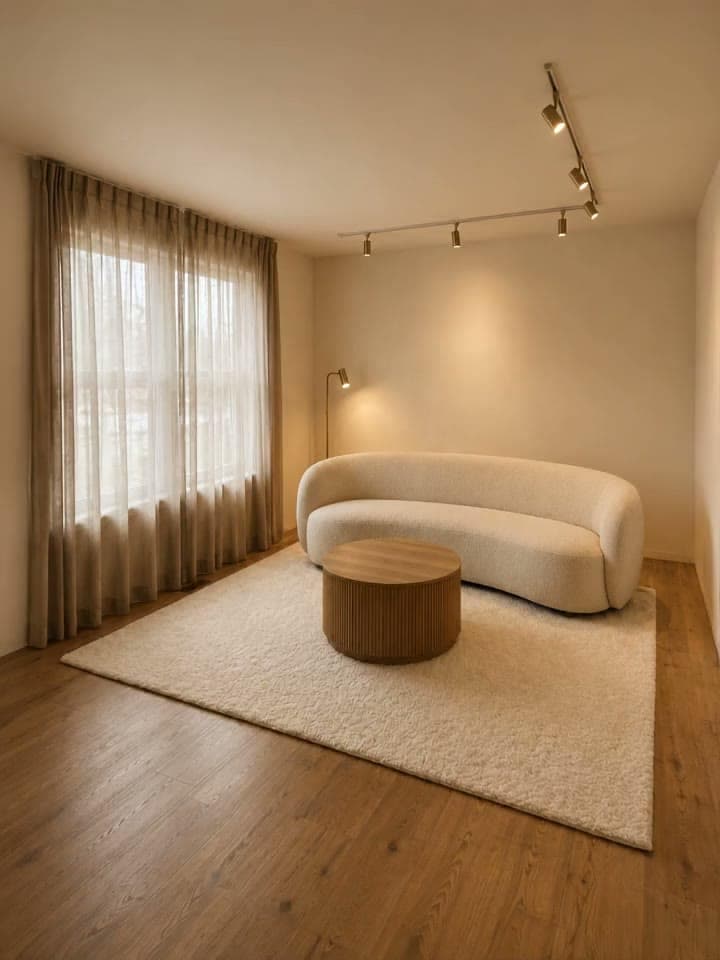
Window wall
Shot order that holds attention
- Open on the strongest room, mid-move. Motion in frame one earns the second second.
- Kitchen next, since it decides more sales than any other room.
- The primary bedroom, with a slow push toward the window.
- Whatever is distinctive: the view, the garden, the fireplace, the ceiling height.
- Close on the exterior, pulling back.
Keep every clip in the four-to-eight second band and cut on the movement. The edit reads as a walkthrough while each shot stays individually controlled.
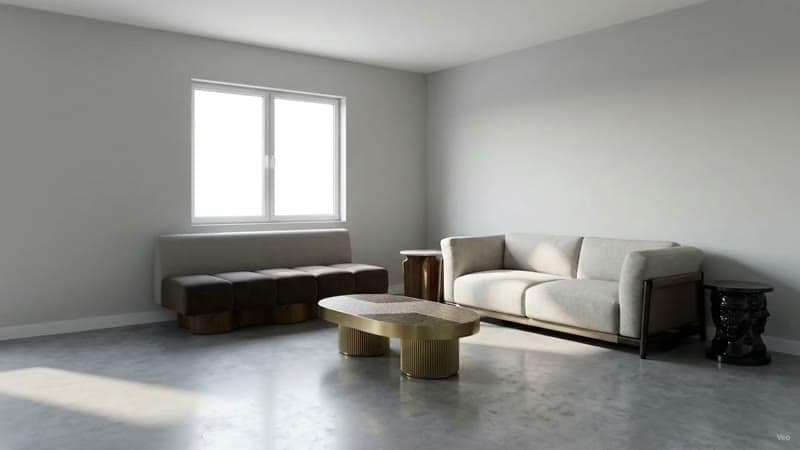
Open, mid-move
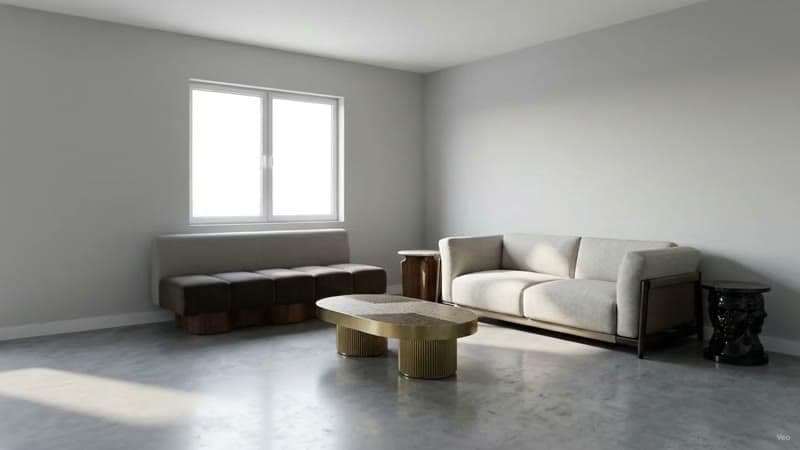
Carry the middle
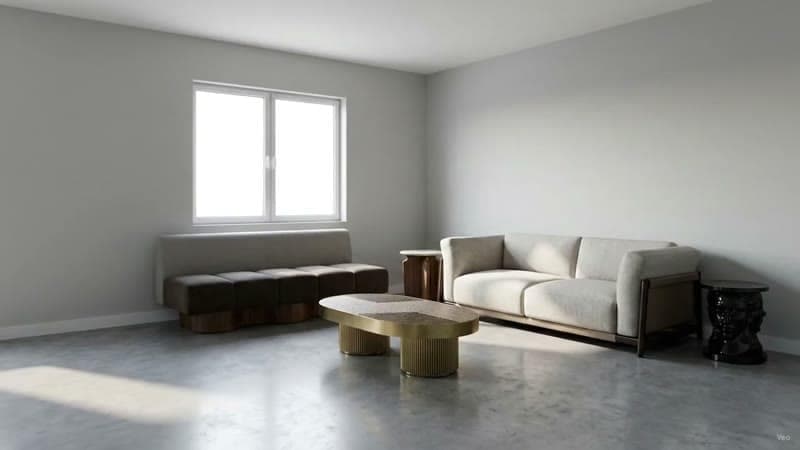
Close, pulling back
Vacant listings
A vacant property is where this compounds. Stage the empty rooms, then animate the staged frames, and an empty unit arrives as a furnished walkthrough. The sequence is covered in virtual staging video, and for a whole property at once in bulk virtual staging.
Practical production notes
- Caption everything. Feed video is watched silent. Room names and a headline figure carry the story.
- License the music. Platform audio libraries are safe for organic posts; paid promotion has stricter terms.
- Keep the first frame clean. It becomes the thumbnail.
- Export once per aspect ratio. Cropping a landscape clip to vertical throws away the sides of every room.
Disclosure
Any clip built from staged imagery inherits the disclosure obligations of the staging itself. Label it as digitally staged in the caption and in the listing description. Keep the motion honest too: a camera move that implies a room continues past a wall it actually meets is a claim about the property, and it belongs on the same side of the line as furniture.
Craft detail lives in AI interior design video.
Common questions
How do you make a real estate listing video from photos?
Start with the photographs the listing already owns and generate a camera move on each one, then cut three to five of those clips together with the hero room first. Keep every clip in the four-to-eight second band and cut on the movement, and the edit reads as a walkthrough while each shot stays individually controlled.
What aspect ratio should a real estate video be?
Produce 9:16 vertical for Reels, Shorts and TikTok, 16:9 landscape for portal listings and the email, and 1:1 square for feed posts and carousels. Export once per aspect ratio, since cropping a landscape clip to vertical throws away the sides of every room.
How long should a listing video be?
Vertical cuts run 15 to 30 seconds and landscape versions 30 to 60. The single hero clip that autoplays at the top of the listing is about five seconds, and it is frequently the highest-value asset of the set.
Can you make a listing video for a vacant property?
Yes, and a vacant property is where this compounds. Stage the empty rooms first, then animate the staged frames, and an empty unit arrives as a furnished walkthrough built entirely from stills.
Do you have to disclose AI video in a listing?
Any clip built from staged imagery inherits the disclosure obligations of the staging itself, so label it as digitally staged in the caption and in the listing description. Keep the motion honest too: a camera move that implies a room continues past a wall it actually meets is a claim about the property.
Try it on your own plan
Upload a floor plan or a room photo and see the first renders in about thirty seconds.
100 free credits · no credit card required
Get the next guide when it lands
We publish these as we work through what people actually ask about pricing, staging and turnaround. Leave an address to hear when a new one goes up.