AI interior design video.
Interior video used to mean a camera operator, a gimbal and a week in the edit. Now it means uploading a picture you already have and choosing a camera move. The clip comes back in minutes, ready to post.
Three ways in
- From a 3D render. Your render becomes the opening frame, so the room that moves is the room you designed. See turn a render into a video.
- From a room photograph. A phone photo of a real room is enough. Daylight helps, the way it helps any photograph. See AI walkthrough from a photo.
- From a floor plan. The plan gives you furnished renders, and any render becomes a clip. This is the route that gives a whole property one matched set.
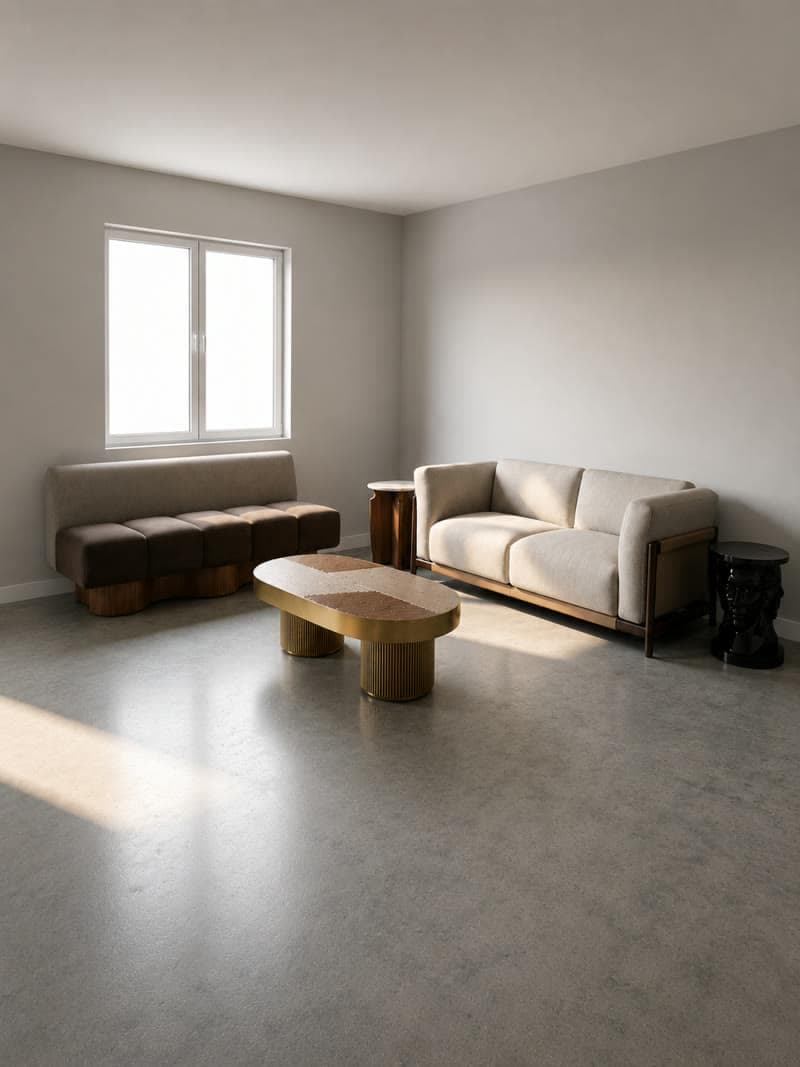
A 3D render
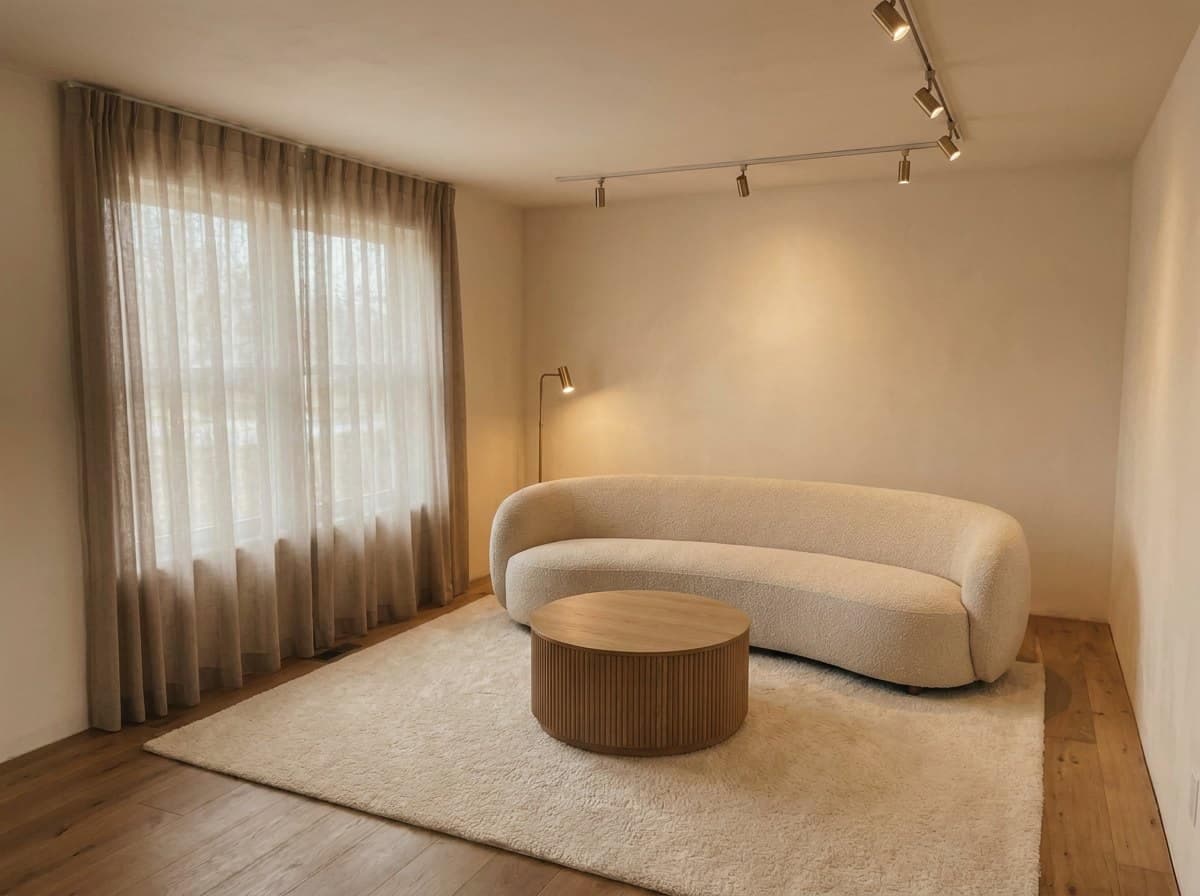
A room photo
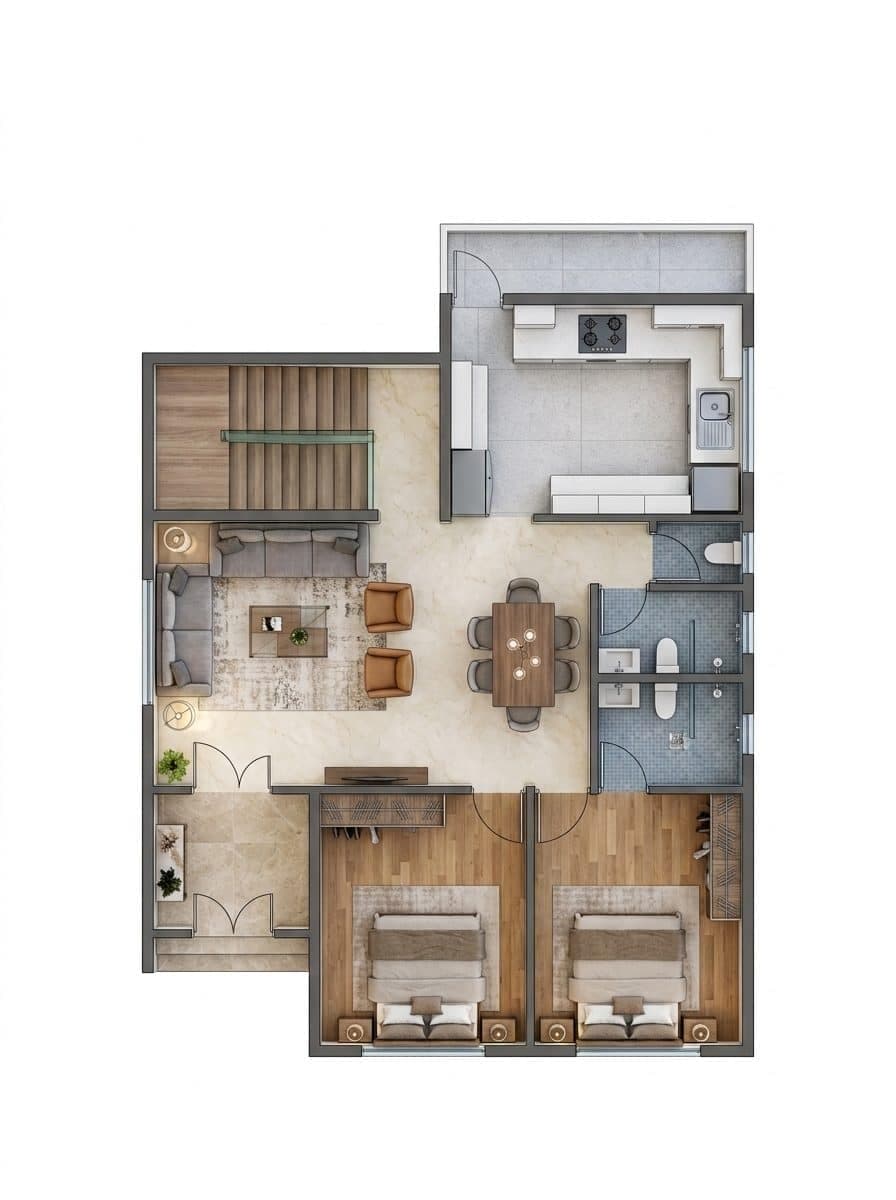
A floor plan
Clips run four to eight seconds
That is the length that earns a second watch. Long enough to read as a room somebody could walk into, short enough to hold a thumb in a feed. For a full property tour, cut four or five clips together, one per room, and the result plays as a walkthrough.
Pick the move that suits the room
The camera move is a menu choice, and it is the one creative decision worth spending a minute on. Each move flatters a different kind of room.
- Push in. For the fireplace, the kitchen island, the view. The clip ends on the thing that sells the room.
- Pull back. For open plan. Opens on a detail and widens to the whole space, which is how buyers understand square footage.
- Orbit. For rooms with a clear center. Reads as walking around the sofa and taking the room in.
- Vertical tilt. For ceiling height, pendant lighting and tall windows, all of which a still photo flattens.
Furniture that arrives on camera
One clip type earns its keep on an empty listing. The room starts bare and finishes fully staged, all in one take, so the before and the after land in a single scroll. It takes the same one upload as any other clip.
What it costs
Video is priced by the second and sits above stills. A few seconds of clip costs about what a dozen still renders cost, which sets a sensible order of work: settle the room as a still until it looks right, then spend once on the motion. Stills are cheap enough to iterate on freely, so the clip is the only line item that needs thinking about.
Related: relighting a finished room in change the time of day in a render, and the listing use case in AI video for real estate listings.
Common questions
Can AI generate a video of an interior?
Yes. Upload a 3D render, a room photograph or a floor plan, choose a camera move, and a short clip of that room comes back. The room in the clip is the room in your picture.
How long is an AI interior video?
Four to eight seconds a clip, which is the length that holds a viewer in a listing feed or a social post. For a full walkthrough, cut four or five clips together, one per room.
Which camera moves work best for interior video?
A push in settles on one feature, an orbit shows how the space fits together, and a pull back opens out the scale. Choose by what the room is sold on: a fireplace or an island suits a push in, an open plan suits a pull back.
What do I need to get started?
A picture and a browser. A floor plan image, a phone photo of the room or a render you already have is the whole requirement, and the work happens on our machines.
Does AI video cost more than AI stills?
Yes. Video is priced by the second and sits above stills, so a few seconds of clip costs about what a dozen still renders cost. Settle the room as a still first, then spend once on the motion.
Try it on your own plan
Upload a floor plan or a room photo and see the first renders in about thirty seconds.
100 free credits · no credit card required
Get the next guide when it lands
We publish these as we work through what people actually ask about pricing, staging and turnaround. Leave an address to hear when a new one goes up.