A Spacely AI alternative.
Spacely restyles a photograph of a room that already exists. It does that quickly and cheaply. The distinction worth understanding is between restyling a picture and furnishing a plan, because they answer different questions.
What Spacely does well
You give it an image and a style, and it returns the same room reimagined. Credit economics are among the better ones in the category: the Personal tier is $25 a month for 500 credits, which the vendor describes as roughly 250 renders, on a single seat. Studio and Agency tiers step up to $50 and $100 with more credits and more seats. A free plan grants 40 credits as a one-time allocation, which is enough to form a view before paying.
For a designer with a photograph of a client’s living room who wants to show four directions by lunchtime, this is a well-shaped tool and the price per attempt is low enough to make exploring effectively free.
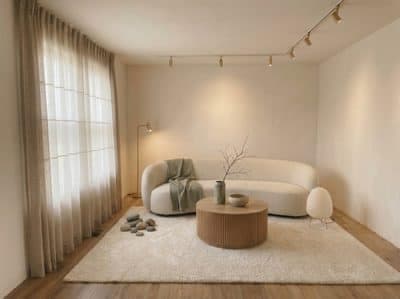
Japandi
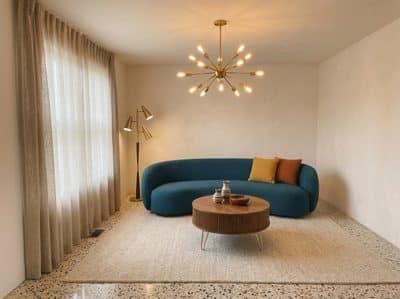
Mid-century
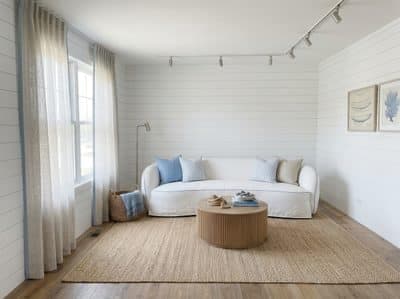
Coastal
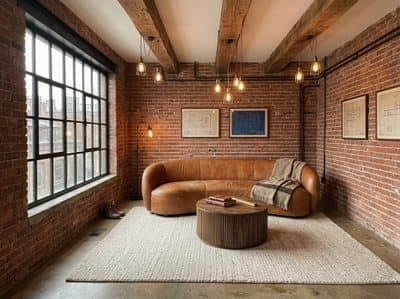
Industrial
What a restyle answers, and what a plan answers
A restyle takes a picture and gives you the same room in a new style. That is a good answer to a specific question. Three other questions come up often enough to be worth naming.
- Will it actually fit? Working from the plan puts real dimensions behind the picture, so the sofa in the render is a sofa that measures. More in why AI renders get scale wrong.
- The room exists on paper so far. Pre-construction work, a refurbishment being scoped, or a property you hold only the plan for all render from the drawing.
- You want the whole property. One plan gives every room in it, consistent from angle to angle, because every angle describes the same layout.
What furnishing a plan changes
RoomGen Studio takes the floor plan as the input, so the drawing you already have is the whole upload. Every room in it comes back furnished at true scale, in the style you picked, with the clearances measurable on the plan as well as visible in the picture.
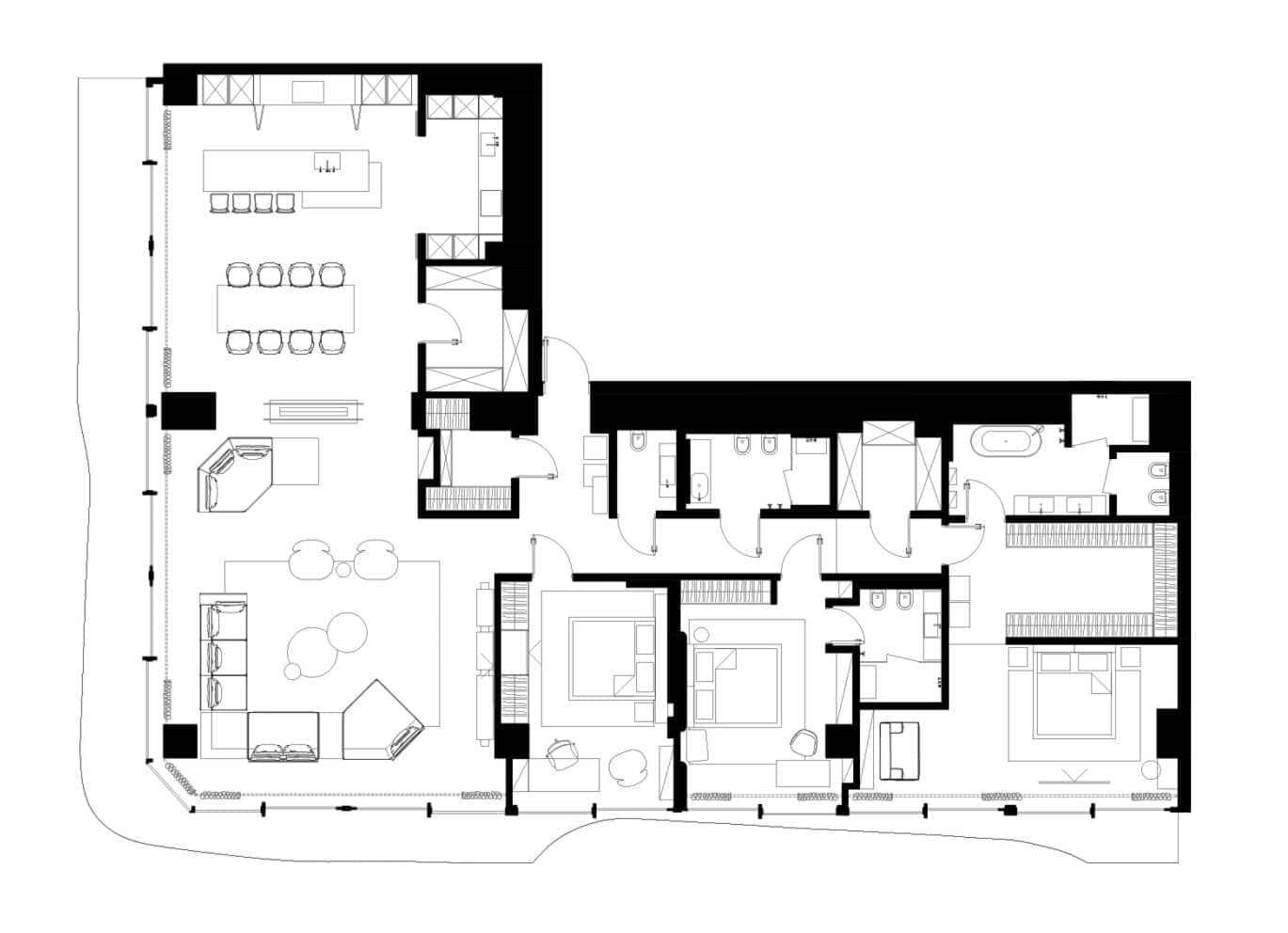 Plan
Plan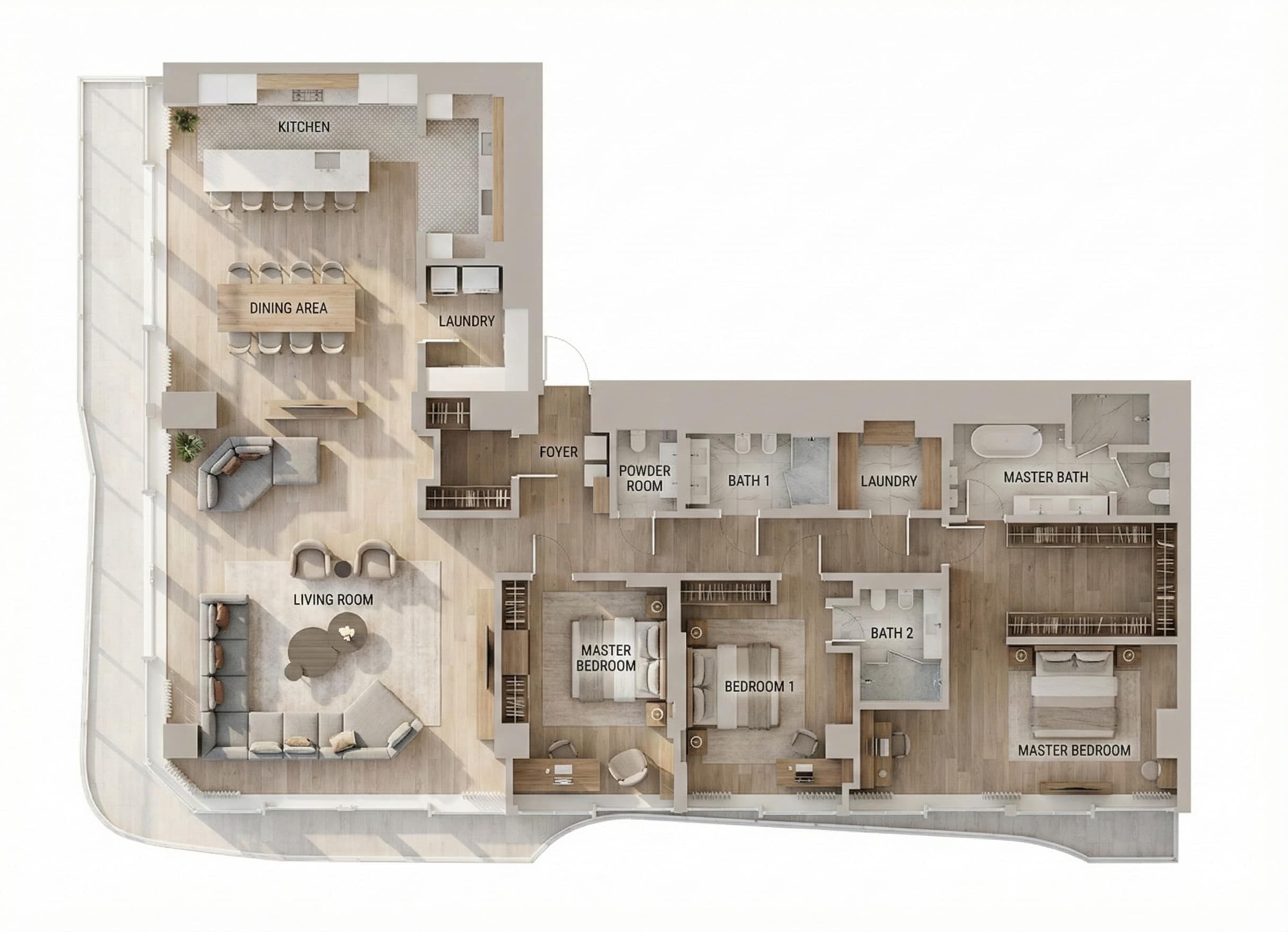 Furnished
Three consequences follow. Every room in the property gets furnished from one upload, where a photo tool takes them one at a time. The same room stays consistent across angles, because all the angles describe one layout. And a building that exists only on paper renders exactly like one that is standing.
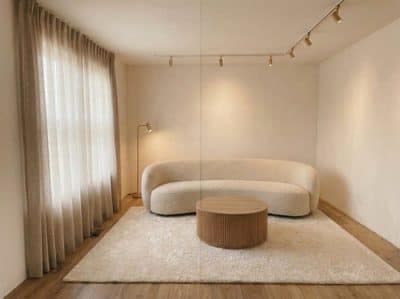
Eye level
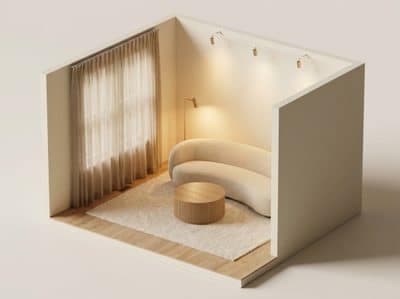
Isometric
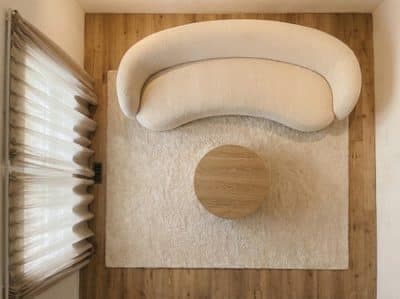
Top down
- Accounts open with 100 free credits, before any payment details.
- Plans start at $19 a month for 4,500 credits, with a standard render at 70 credits and a hero at 150.
- Video is part of the same studio, priced by the second. Spacely is a still-image product.
Choosing between them
A short test settles it. If you are holding a photograph and the question is “what would this room look like in a different style?”, restyling answers it directly and cheaply. If you are holding a plan, or the question involves whether the layout works, or you need the whole property, the plan is the better input.
The two coexist comfortably. Restyle the rooms you have photographs of; furnish the ones you have only drawings for. Related reading: AI floor plan furnishing and AI furniture placement.
How these figures were checked
Spacely’s prices above were read from their own pricing page in August 2026 at the monthly setting. Their toggle defaults to yearly, where the same tier displays as $20, so confirm which term you are looking at before comparing it to anything.
Common questions
How much does Spacely AI cost?
The Personal tier is $25 a month for 500 credits, which the vendor describes as roughly 250 renders on a single seat. Studio and Agency step up to $50 and $100 with more credits and more seats. Those are the monthly figures: the toggle on their pricing page defaults to yearly, where the same Personal tier displays as $20.
Does Spacely AI have a free plan?
A free plan grants 40 credits as a one-time allocation, which is enough to form a view before paying. RoomGen Studio opens accounts with 100 credits. Both allowances answer the same question: does the tool hold up on your own rooms?
Can I use Spacely AI on a floor plan?
Spacely is built around restyling a photograph of a room that already exists, so an image is the input it expects. Work that starts from a drawing, from a refurbishment being scoped, or from a building still under construction fits a plan-driven studio better, because the walls and dimensions come out of the plan itself. Check Spacely's own feature list for the input types it currently accepts.
When is restyling a photo the better choice?
Whenever you are holding a photograph and the question is what that room would look like in a different style. Restyling answers it directly, and the price per attempt is low enough to make exploring effectively free. Reach for the plan when the question involves whether the layout works, or when you need every room in the property.
Try it on your own plan
Upload a floor plan or a room photo and see the first renders in about thirty seconds.
100 free credits · no credit card required
Get the next guide when it lands
We publish these as we work through what people actually ask about pricing, staging and turnaround. Leave an address to hear when a new one goes up.