How this actually works.
Straight answers on virtual staging, floor-plan rendering and AI room video: what the tools do, what they cost, and where their limits sit.
Virtual staging
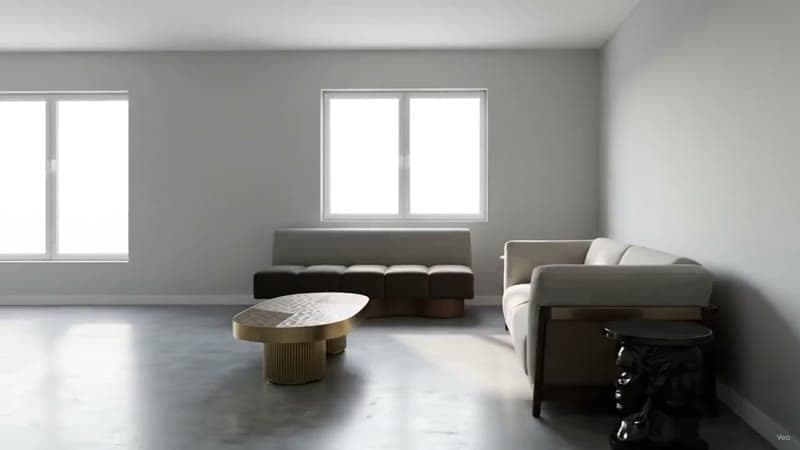
Virtual staging video
Stage an empty listing photo and turn the result into a moving clip. How virtual staging video works, what it costs, and where it beats a still.
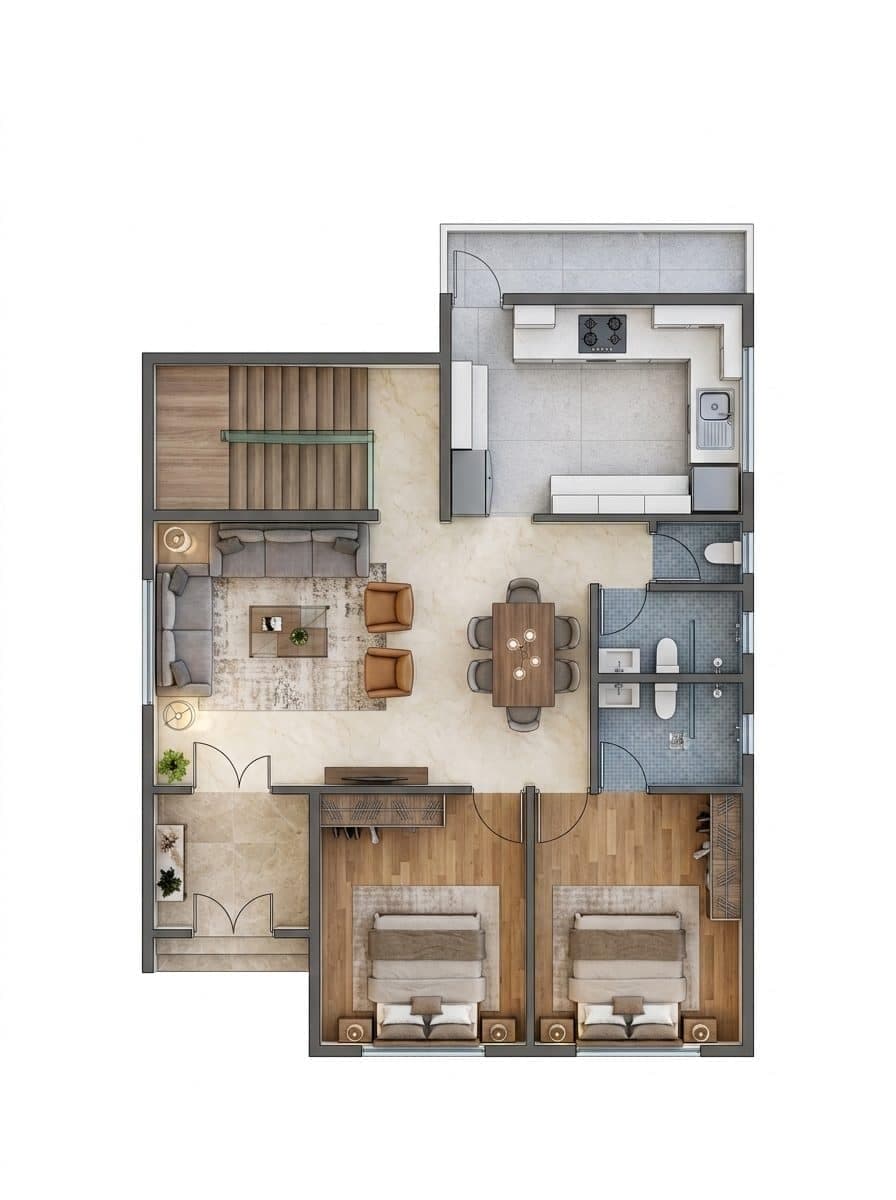
Bulk virtual staging
Most virtual staging tools price per photo and gate batch work behind an agency tier. How to stage every room in a listing from one upload.
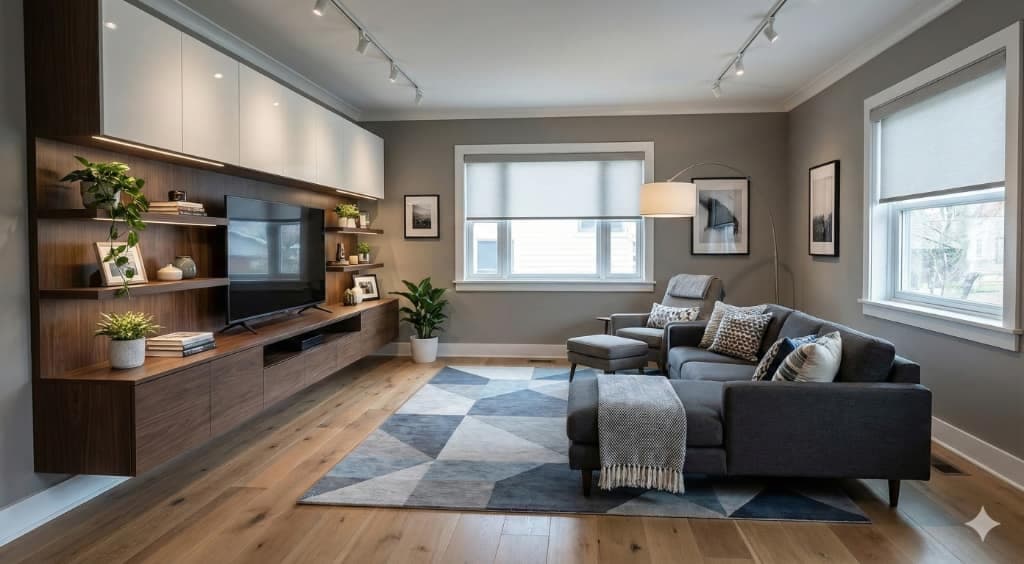
Virtual staging cost per photo
What virtual staging actually costs per photo, from done-for-you services to AI tools, and how to work out the real cost of a full listing.
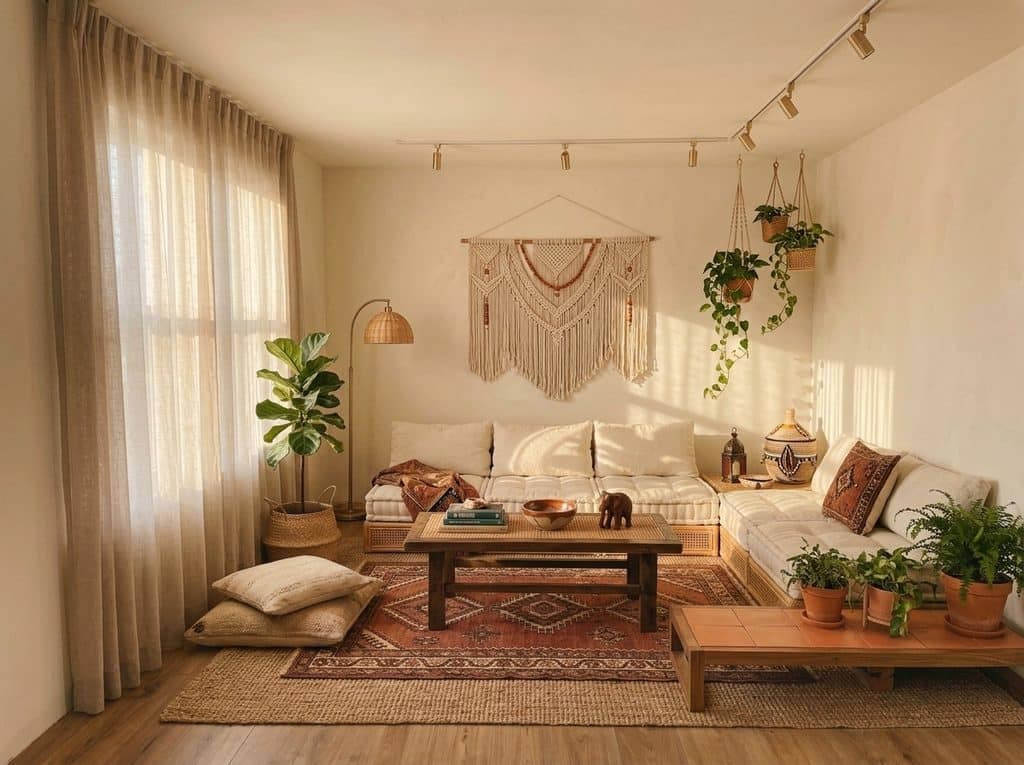
Virtual staging for home stagers
Physical staging reaches a ceiling set by inventory and storage. How staging businesses add a virtual tier that scales past it.
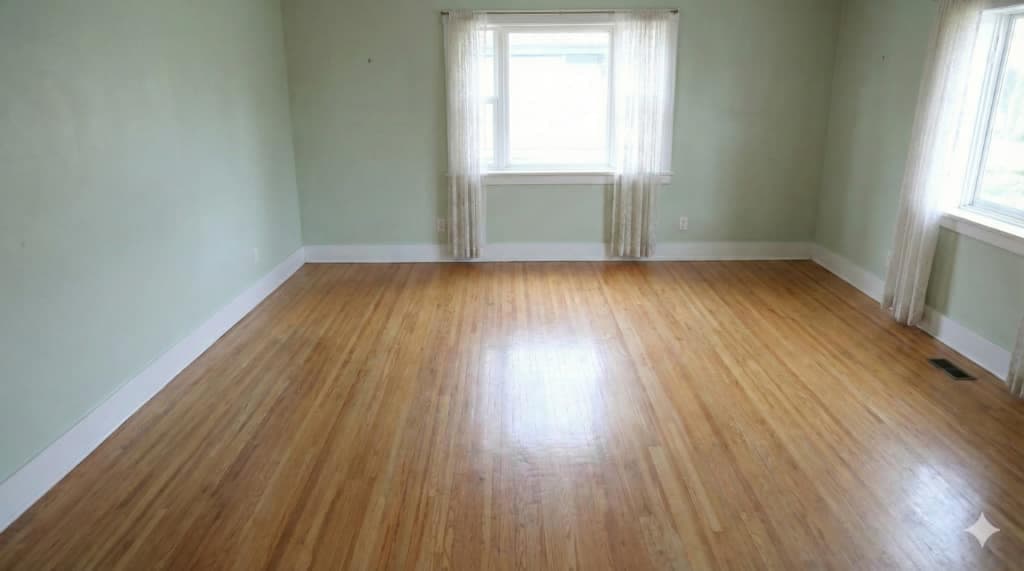
Is virtual staging worth it?
An honest look at when virtual staging pays for itself, when a physical stage is still the right call, and the disclosure rules that apply.

AI interior design chat
Describe the change in plain words and the agent runs the tool, then answers with the finished render in the conversation.

Design a room from your phone
Photograph a room, restyle it and read the result without a desktop. What works on a phone, and the four tools that do not.
Remove furniture from a photo
Empty a furnished room before restaging it, and what to check where reflections, shadows and hidden floor were never photographed.

Replace one piece of furniture
Change the sofa and leave the rest of the room untouched, down to the light and the shadows.
Declutter a room photo
Clear the mess from a lived-in room without moving the furniture that belongs there.

Add and replace furniture
Refurnish a room piece by piece: swap a sofa, add a rug, fill an empty corner.

Remove one object
Point at a single item, take it out, and let the floor and wall behind it rebuild.
Redesign a room

Redesign a room from a photo
Pick an aesthetic and a palette, keep the camera, the walls and the windows exactly where they are.

Renovation visualiser
Swap finishes, cabinetry, fixtures and hardware on a dated room while the layout holds still.

See furniture in your room
Drop a product photo into a photo of your space at true scale, in your room's own light.
Match an inspiration photo
Give it the room you have and the room you liked, and it carries the style across.
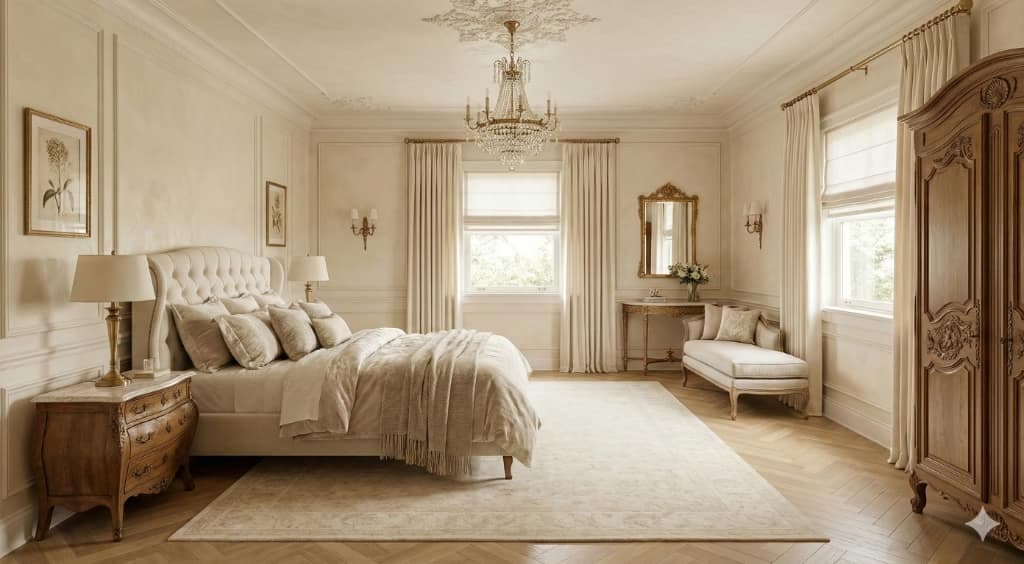
Turn a spare room into an office
Convert a room by function rather than style, inside the walls, windows and doors you have.

Preview holiday decorations
Try a tree position, a light temperature and a colour scheme before the boxes come down.

See your room in another decade
Restyle a room to the seventies or the far future while its architecture holds still.

Room photo to a diorama
Render your own room as a collectible model, shot from a fixed three-quarter view.
Walls, floors and outside

Try paint on your walls
Test a colour or a covering on the real walls of your room before you buy a tin.

See new flooring
Swap oak for tile or carpet in a photo you already have, with the furniture left in place.

Restyle a house exterior
Change cladding, roof, trim and door on the front of a house without moving the house.

Redesign a garden
Replant and relay an outdoor space while the boundaries, levels and building stay put.
From a floor plan
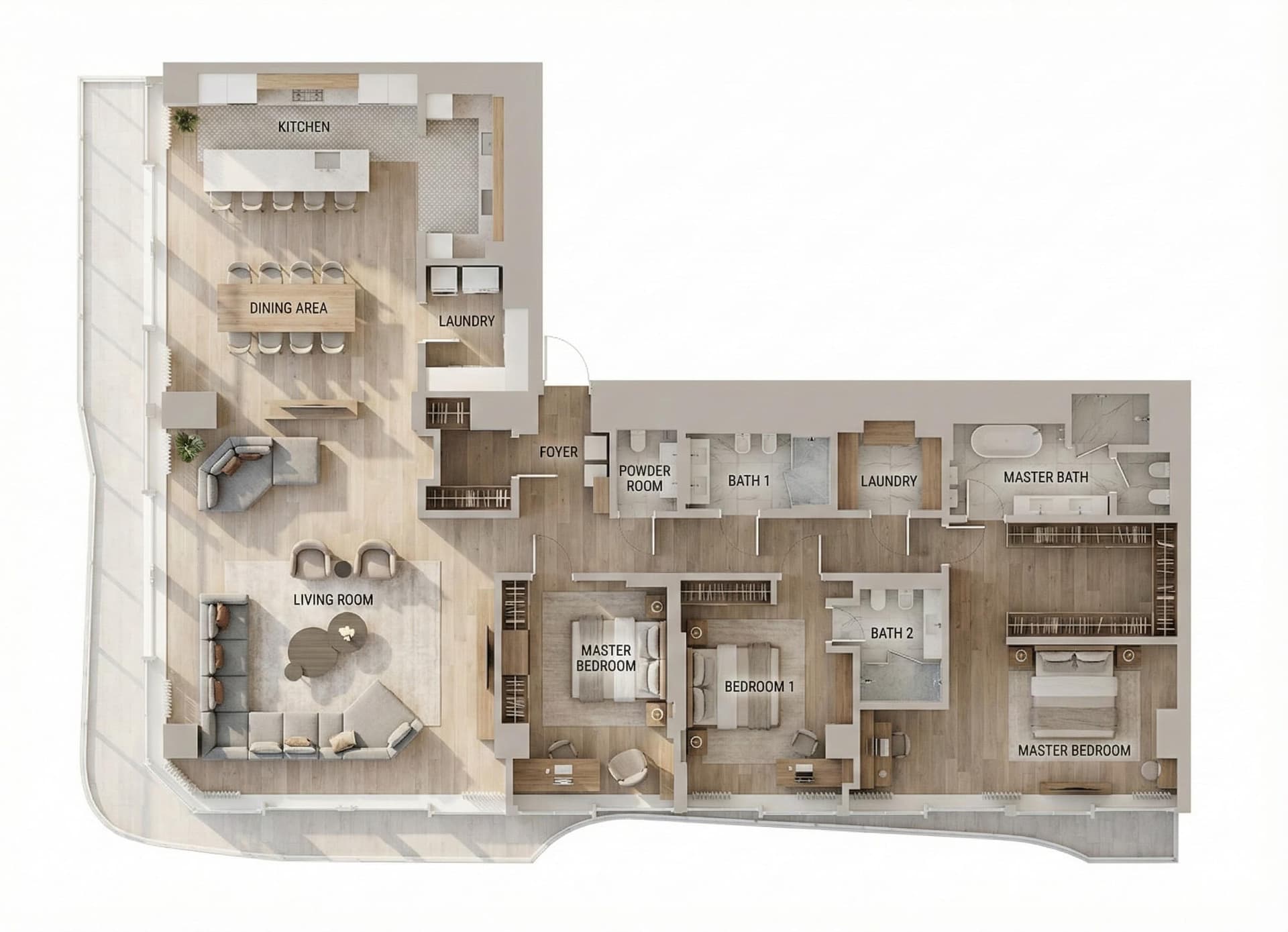
Floor plan to 3D render
Upload a 2D floor plan and get photoreal interior renders of the rooms inside it. What your plan needs to carry, and what comes back.
AI floor plan furnishing
Upload a plan and get every room furnished at true scale. The clearances that matter, and how to review a furnished plan before you render.
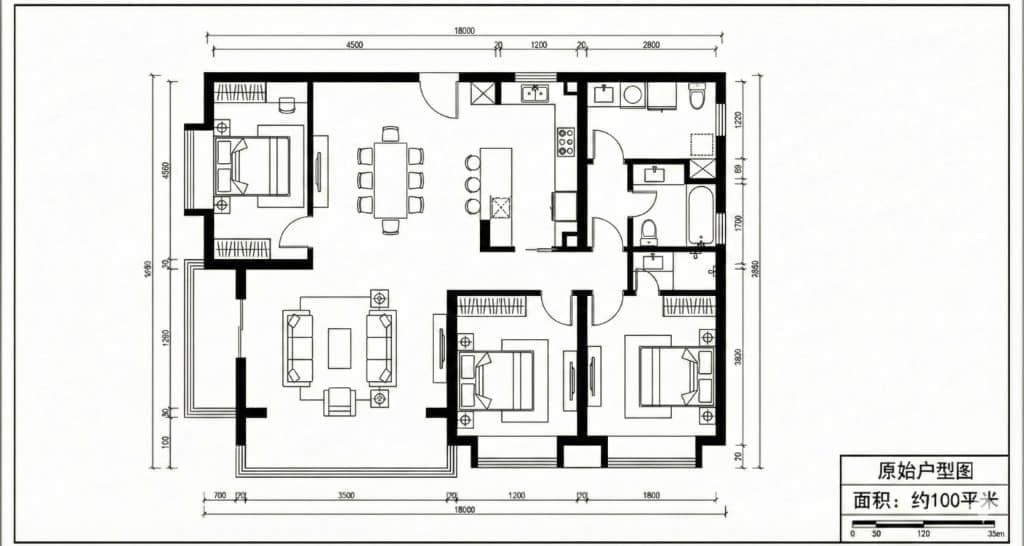
AI furniture placement
Placing furniture with AI is only useful if the sofa is the size a sofa really is. The dimensions real furniture holds to, and how to check.
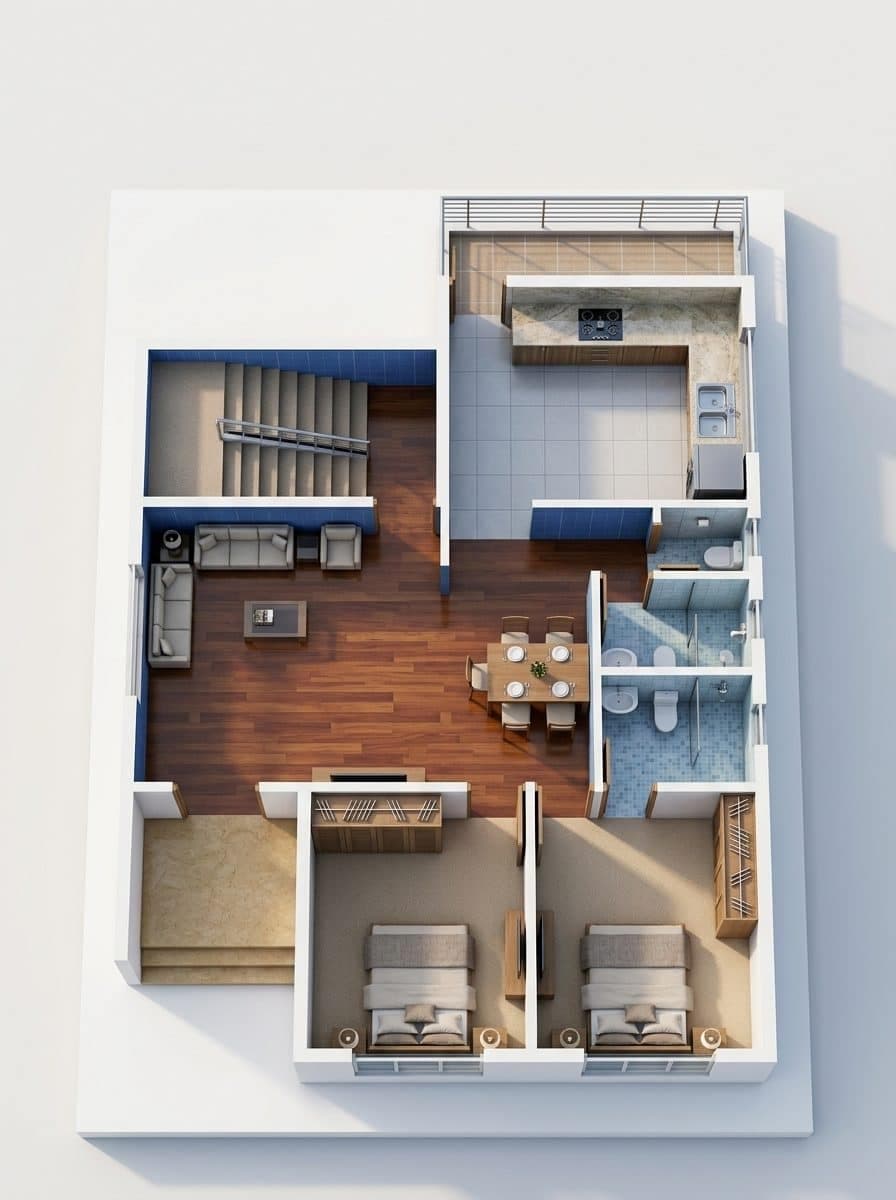
Why AI renders get scale wrong
AI rooms that look right and measure wrong. The five symptoms, a thirty-second audit, and how to get renders that hold up at the viewing.
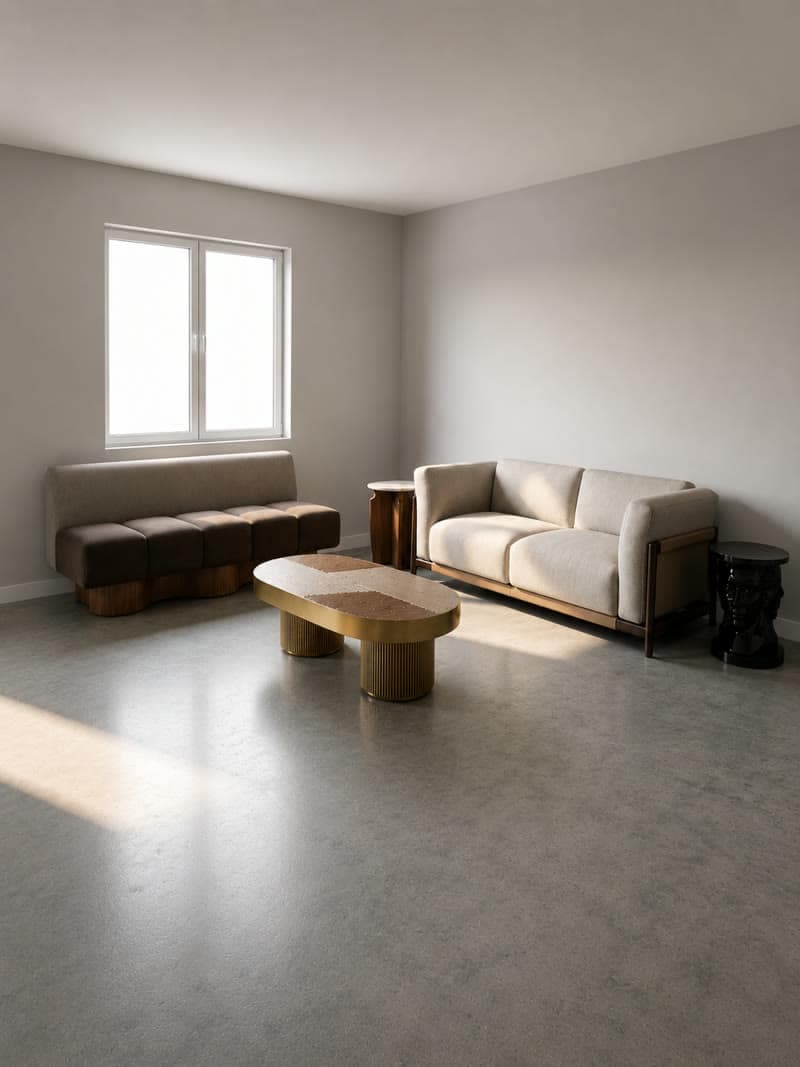
3D rendering cost for designers
Interior renders cost $249 to $1,500 from a studio, in-house software runs $96.90 a month, and rendering from a floor plan costs cents. Turnaround and how to bill.
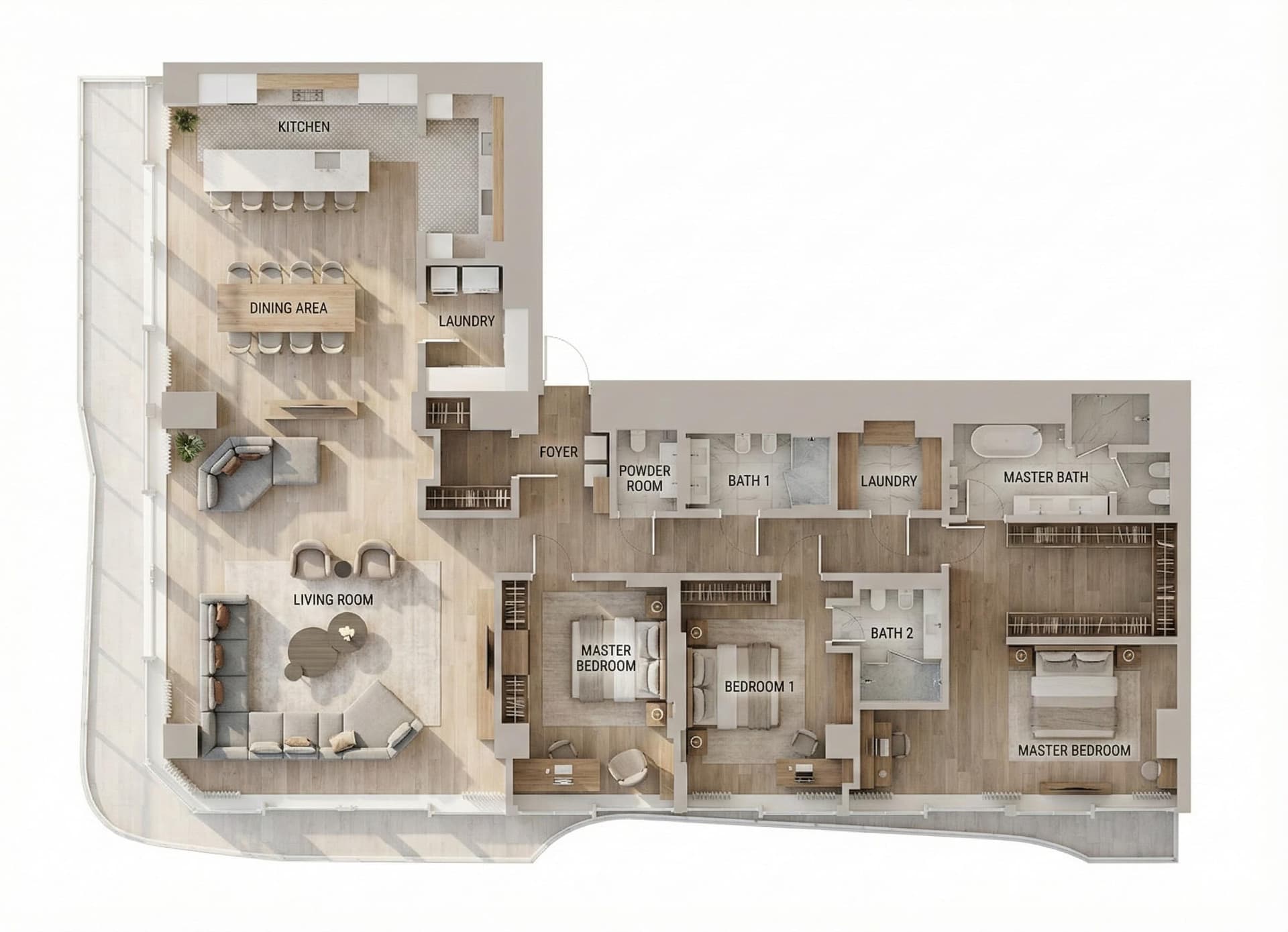
Floor plan to a top view
Turn a CAD export or a clear scan into a furnished top view, an isometric or an aerial.
AI video
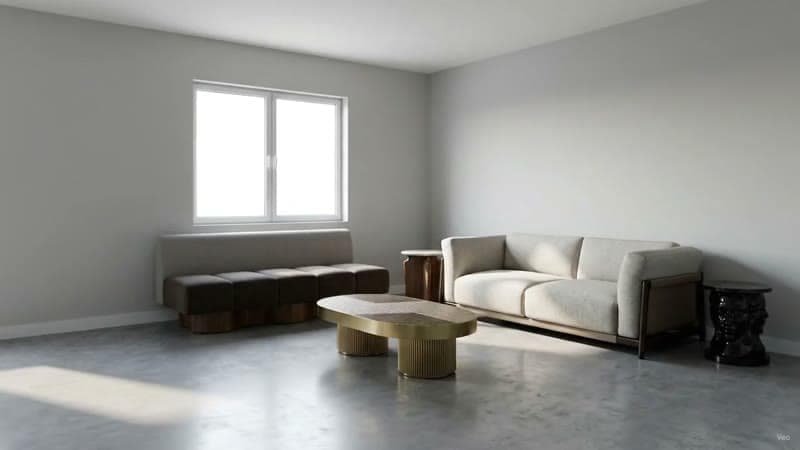
AI interior design video generator
Generate moving interior video from a render or a room photo. Three ways in, the camera moves worth using, and what a finished clip costs.
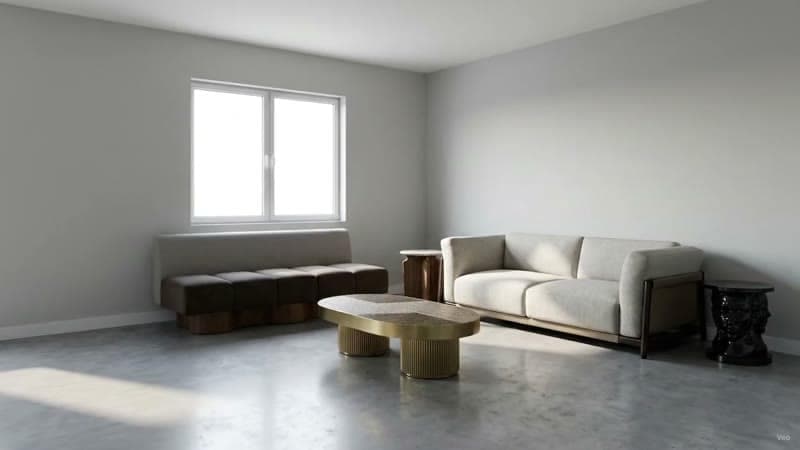
Turn a render into a video
Animating a still render used to mean rebuilding the scene and waiting on a render farm. How to get a camera move out of a single image.
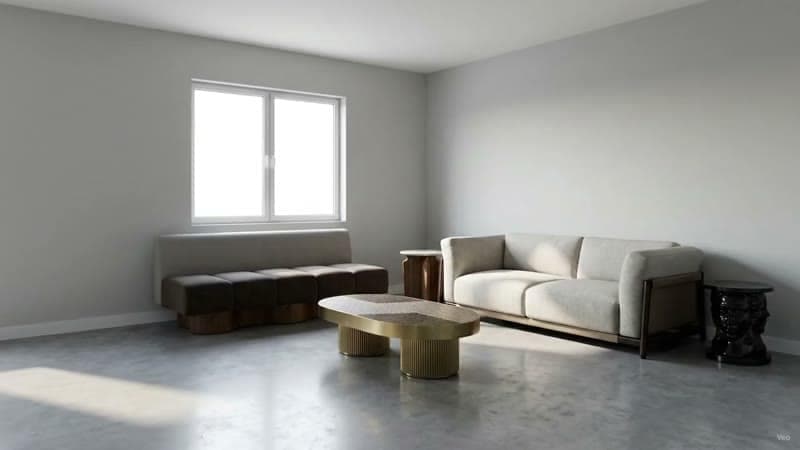
AI walkthrough from a photo
Turn one room photo into a walkthrough clip. Which camera move suits which room, and how to shoot a still that animates beautifully.
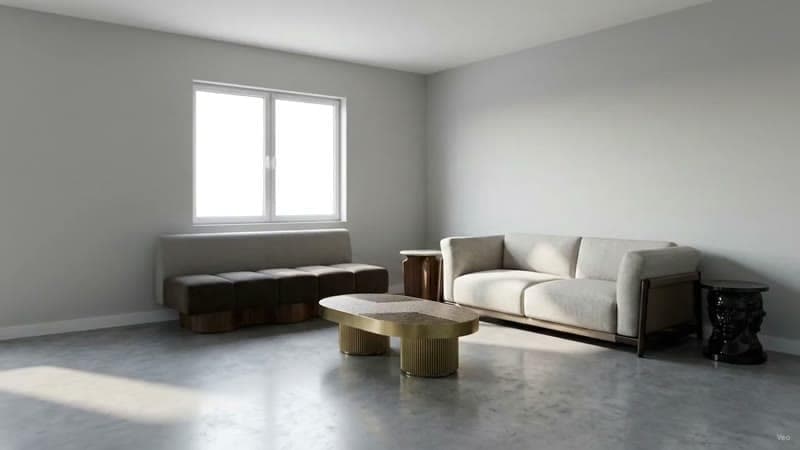
AI video for real estate listings
Listing video from the photographs you already have. How to build vertical clips that read as a walkthrough, including staged versions of empty rooms.
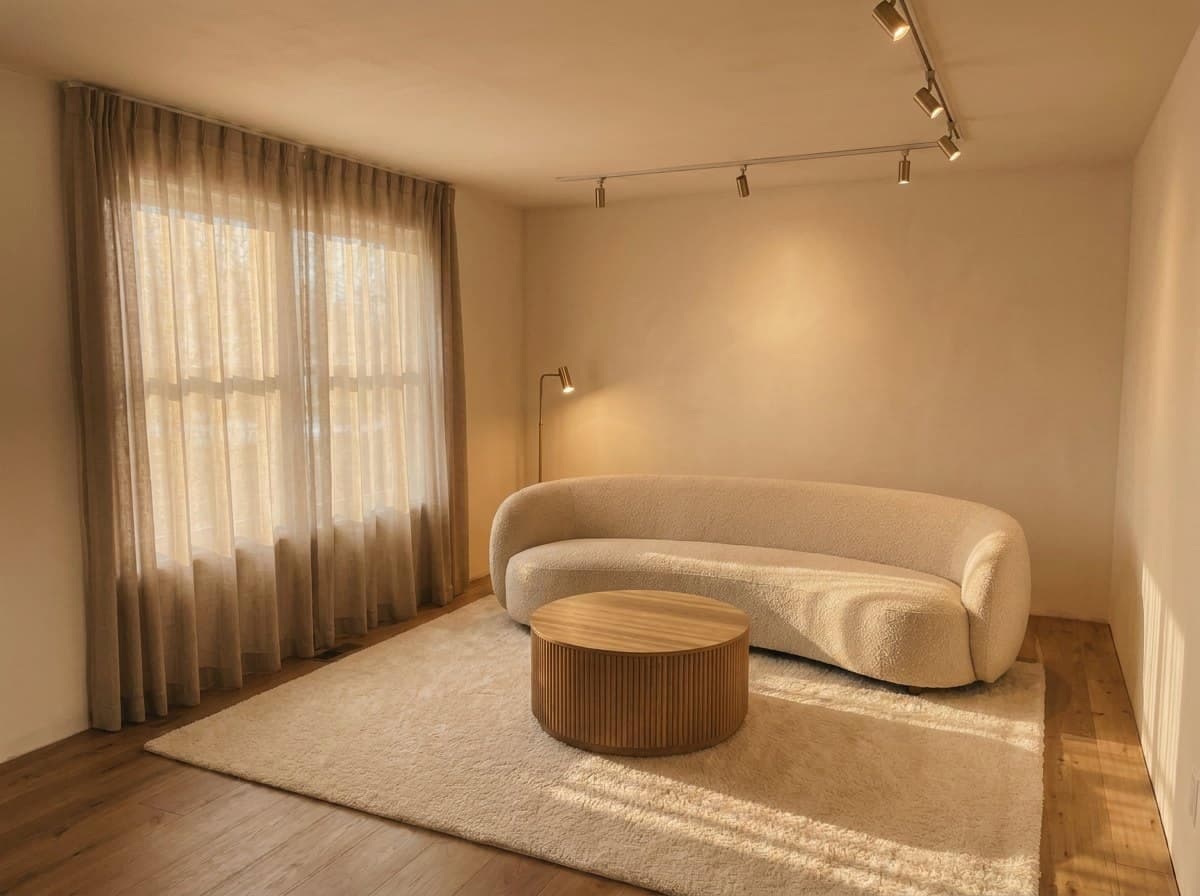
Change the time of day in a render
Relight a finished render from midday to golden hour to dusk while the room itself stays pixel-stable.

Interior design reels
Nine 9:16 reel templates for a room, a building, a listing or a floor plan: which renders survive the crop, and how to check each keyframe before you spend.
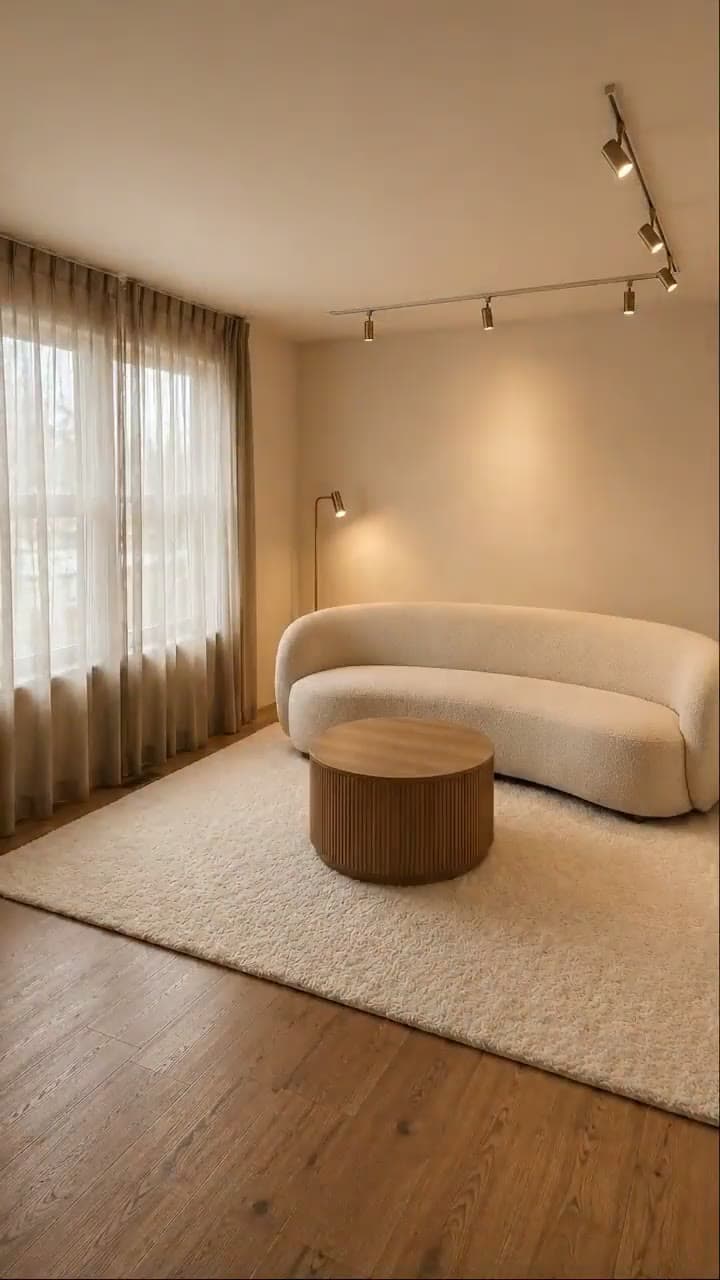
Renovation reveal reel
Turn one approved render into a vertical before, construction and reveal reel. Which renders work, how to check each frame, and how to label it honestly.
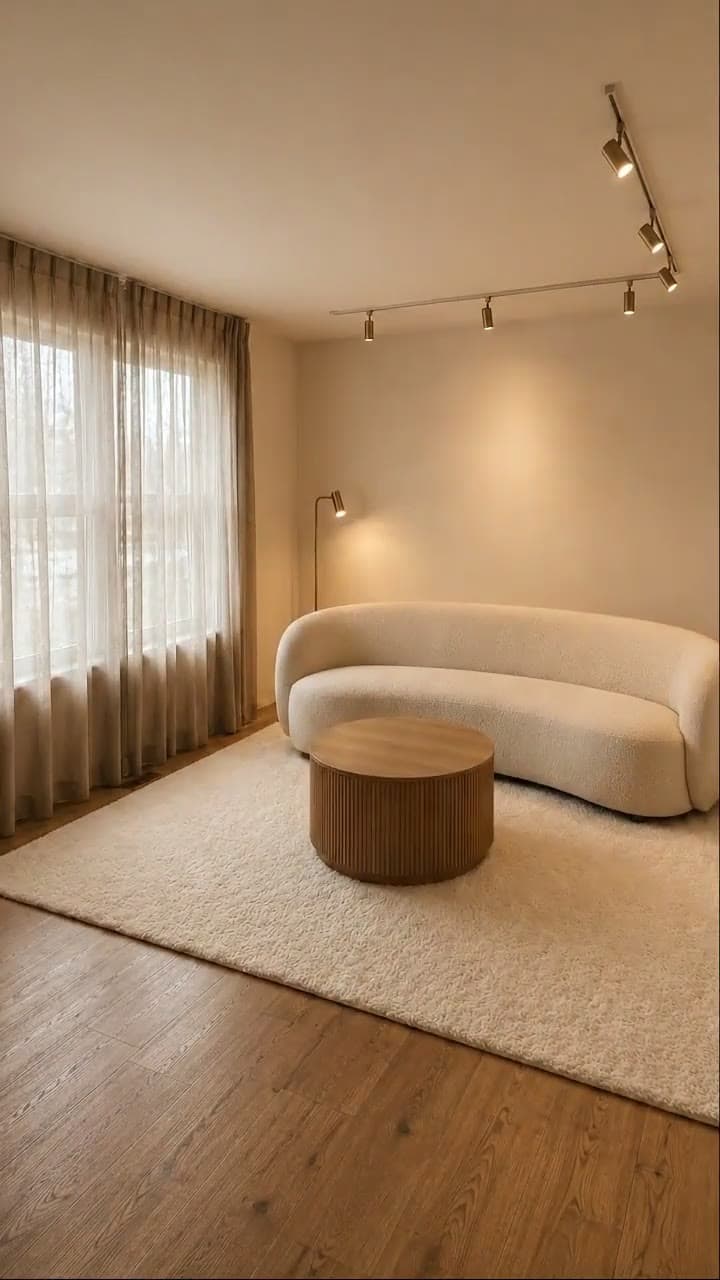
Furniture pop-in reel
Turn a finished room render into a vertical reel that starts empty and furnishes itself piece by piece: which renders suit it, what it costs, how to make one.
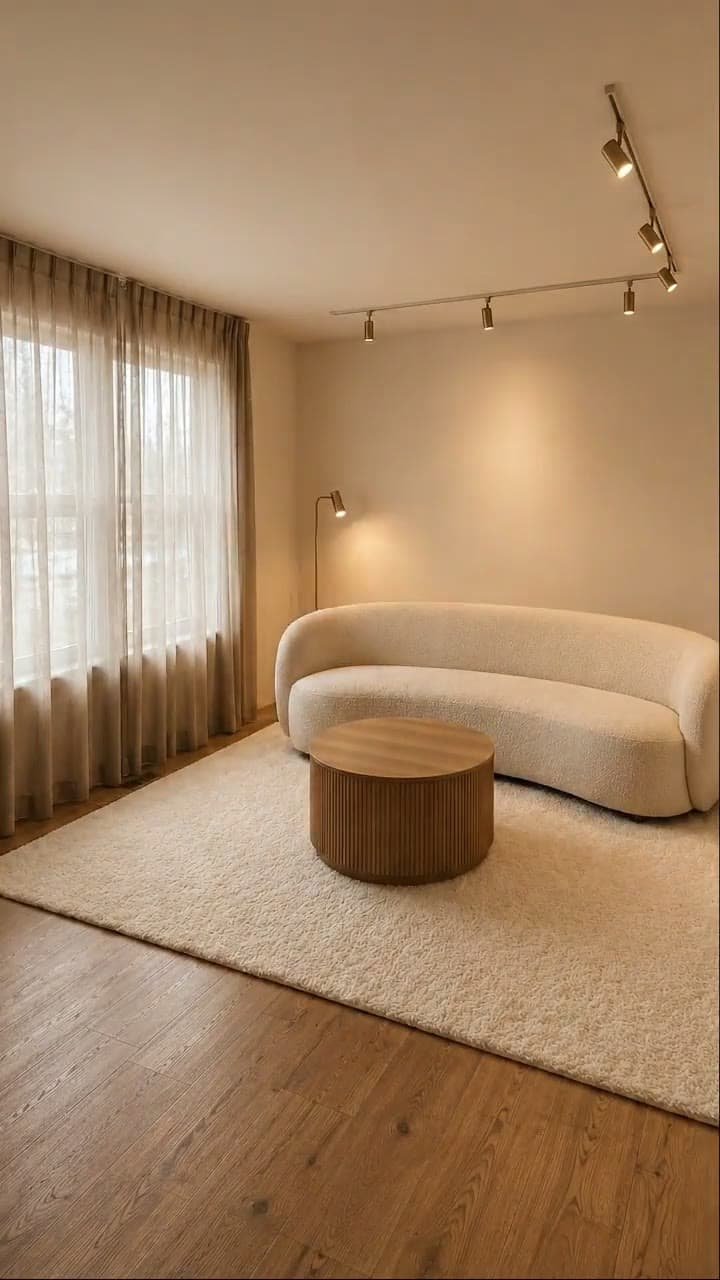
Room unboxing reel
Turn a finished render into a vertical reel where one white box opens and the furniture assembles the room. Which renders suit it and how to make one.
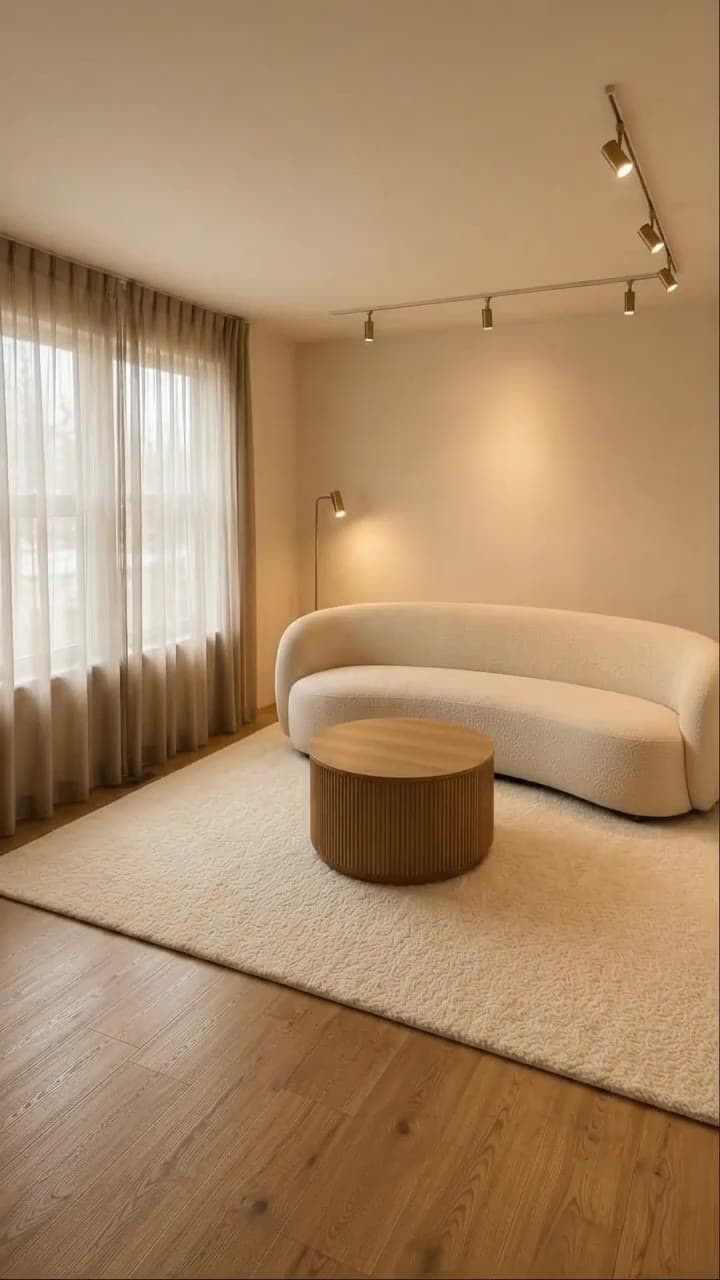
Room builds itself reel
Turn one finished render into an 8-second vertical reel that fits out a bare shell: floor, walls, furniture, then the lights. How to pick and check it.
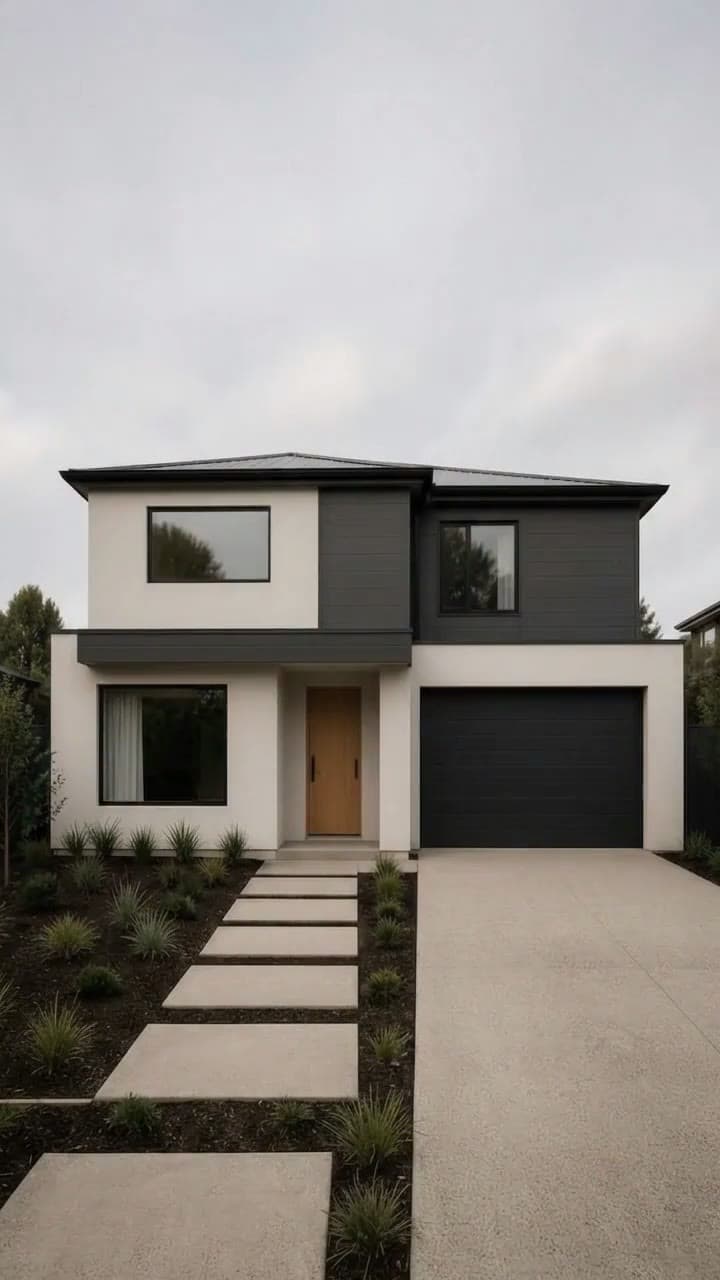
Hologram build reel
Turn an exterior render into an 8-second vertical reel: the empty plot, a hologram scan, a wireframe, then your building. What suits it and how to make one.

Shop opening reel
Turn a shop, café, kiosk or food-truck render into an 8-second vertical reel of it opening for trade: which renders suit it and what to check first.
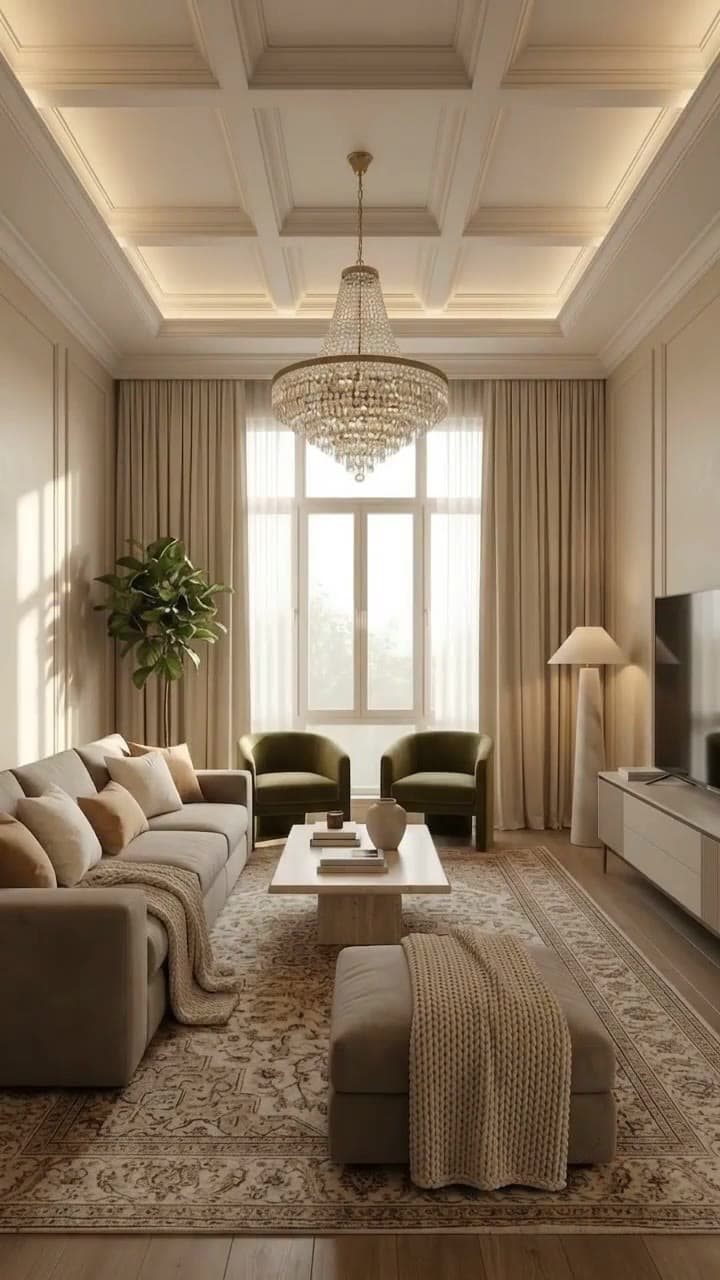
Furniture fly-in reel
Turn one finished render into an eight-second vertical reel where the curtains draw, the chandelier lowers and the furniture flies into place.
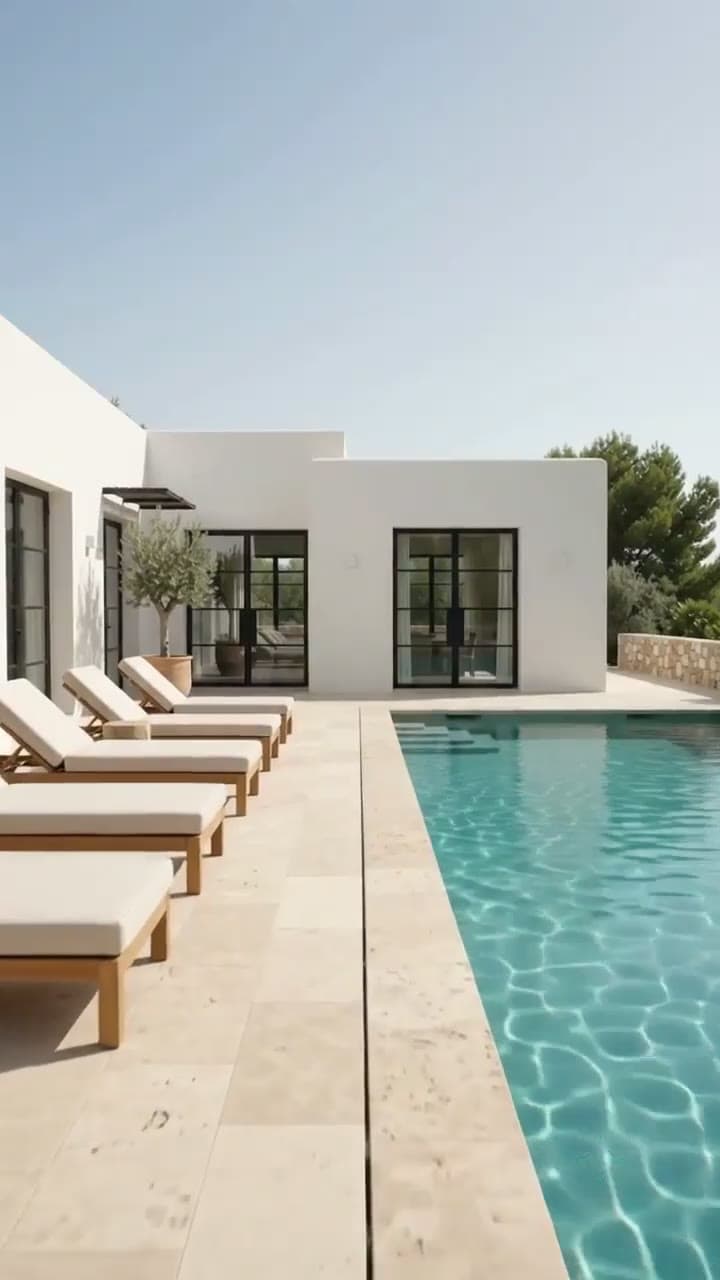
Listing tour reel
Turn three to six renders of one property into an 8-second vertical walkthrough reel in RoomGen Studio, with advice on picking, ordering and posting it.
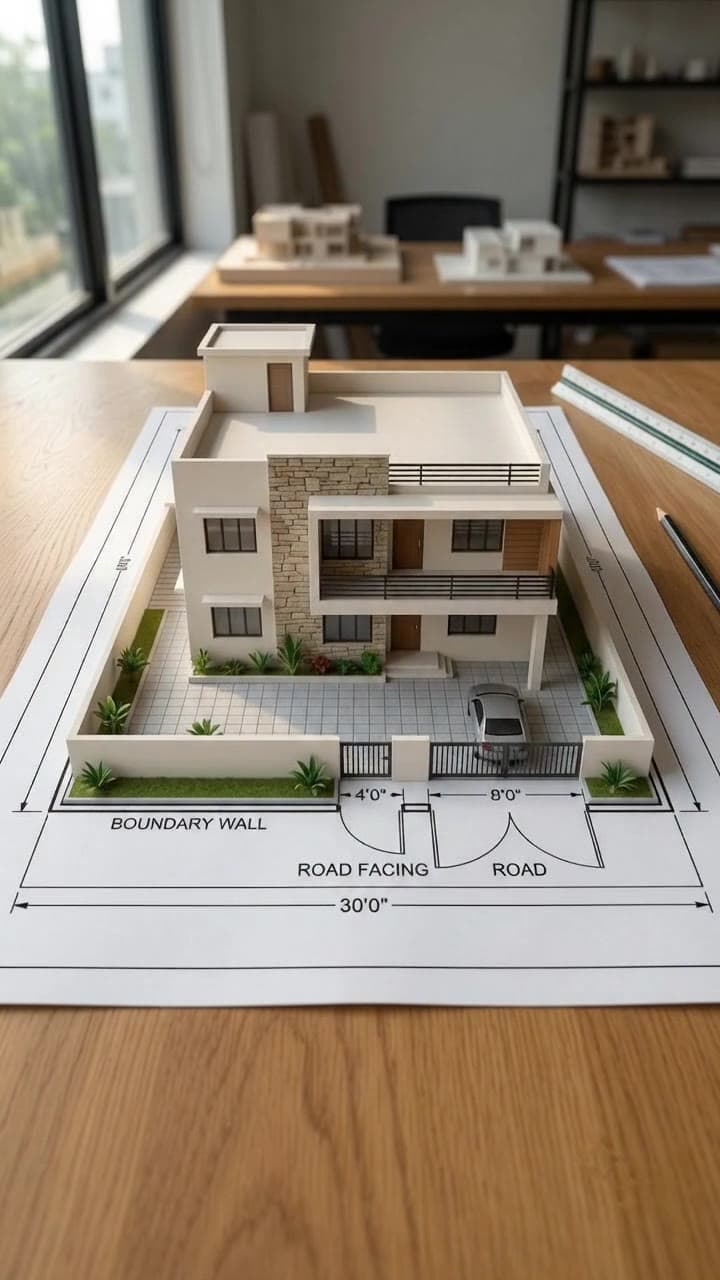
Blueprint to 3D house reel
Turn a 2D floor plan into a vertical reel: walls rise from the printed lines into a 3D house model. Which plans work, the frames to check and the limits.

Animate an interior render
Give a still render motion, from a slow push in to a pan across the room.
Compare
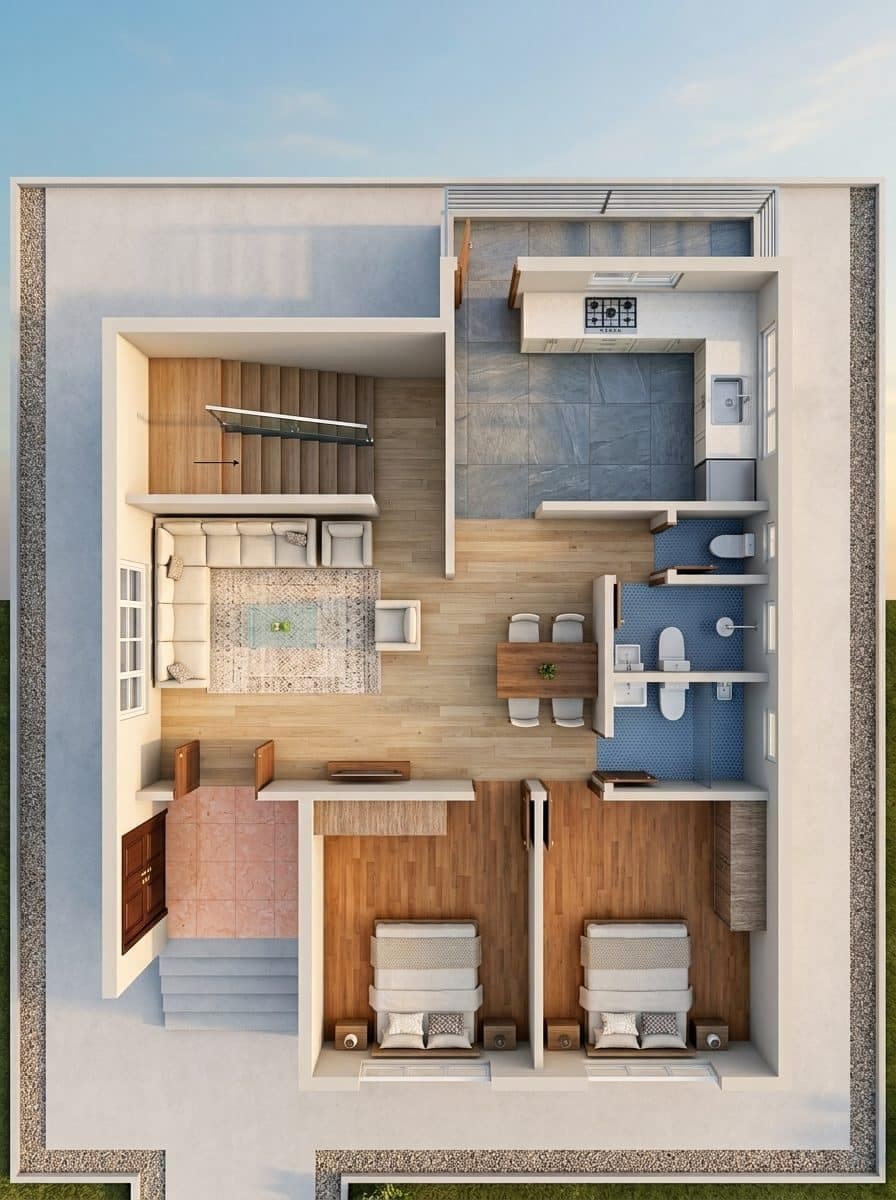
Using the studio
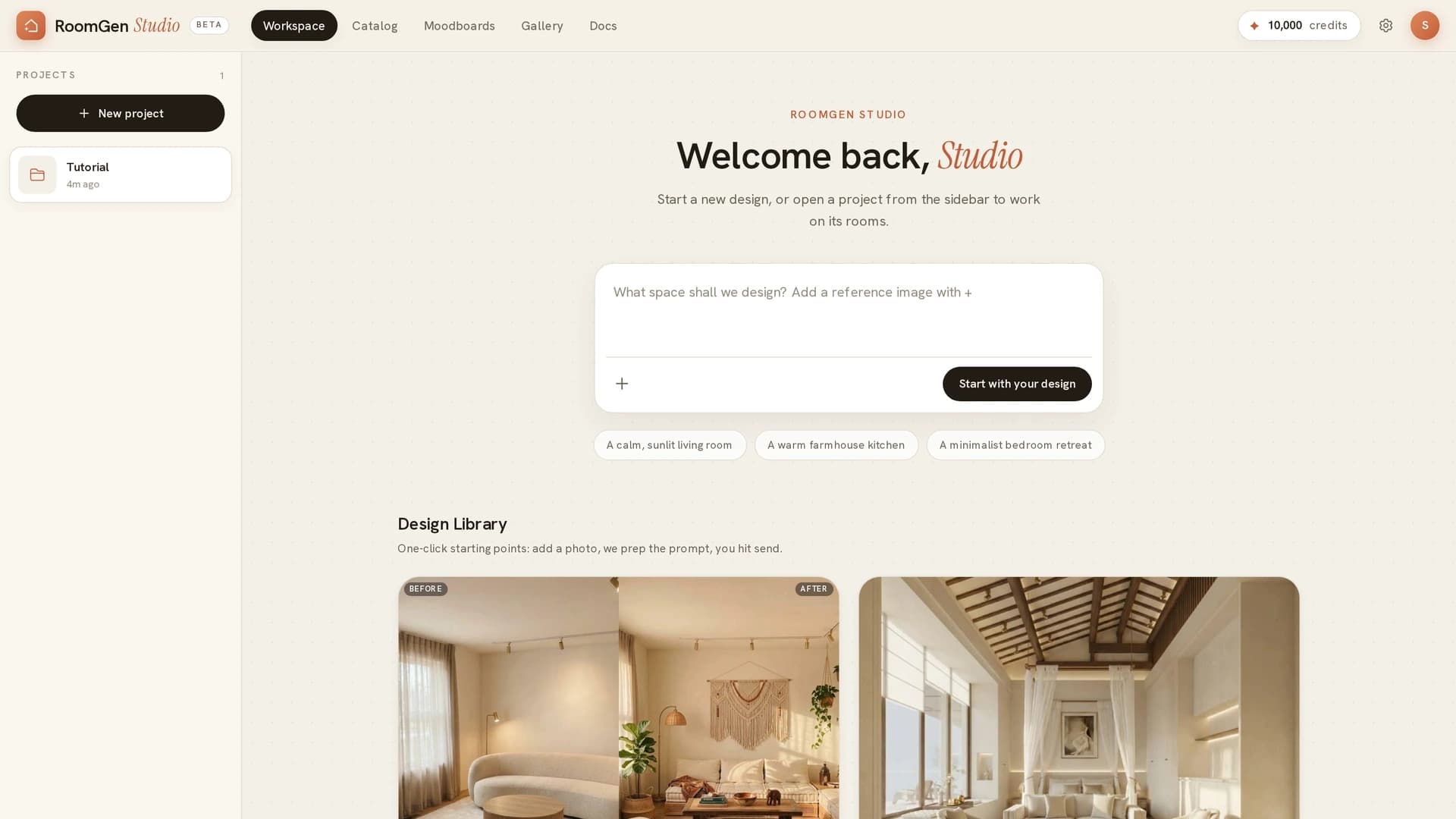
Create a project
Start a project, upload a floor plan, and learn what each part of the studio is for - the canvas, the side panel, and the composer.
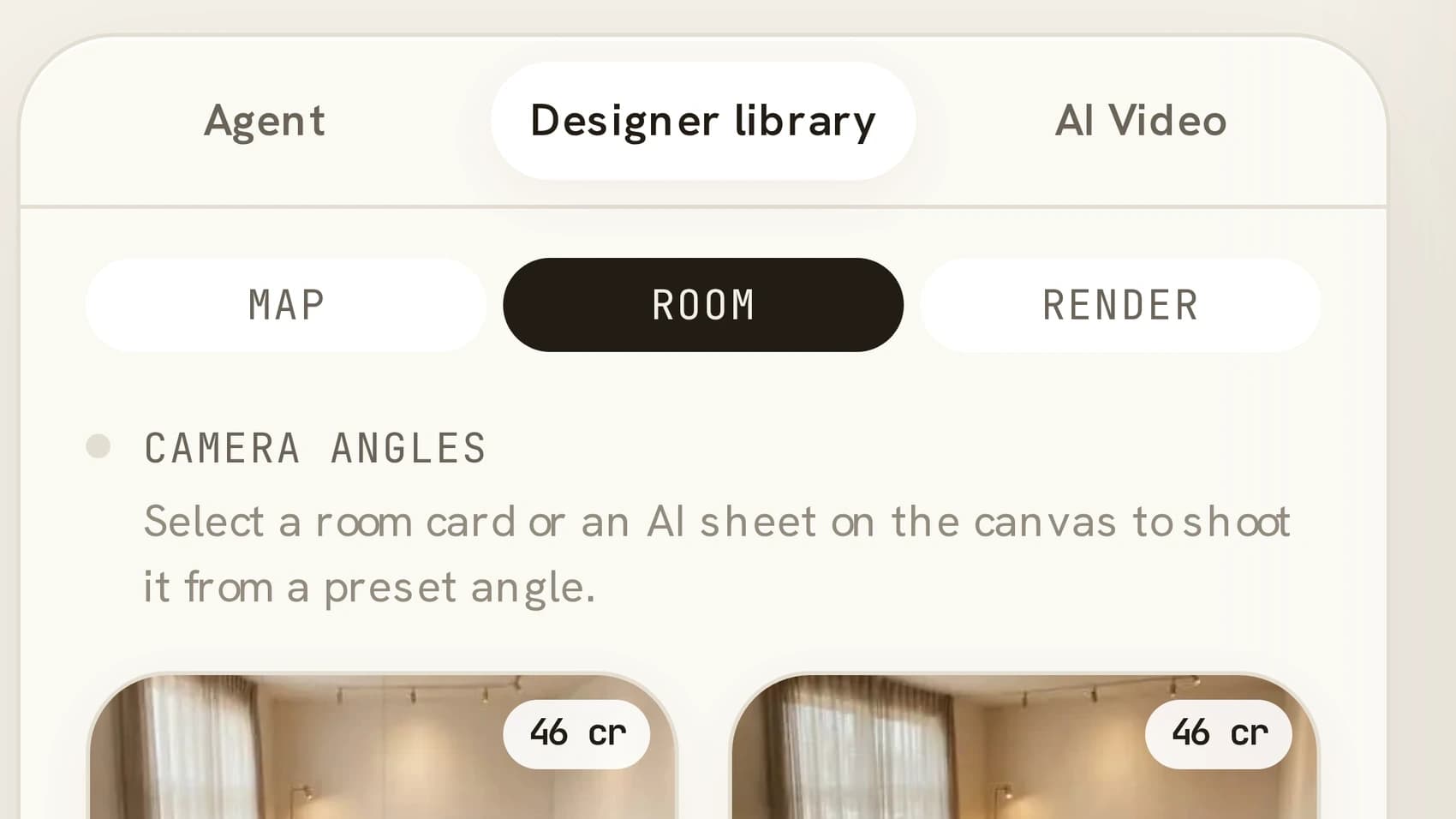
Your first render
From an uploaded floor plan to a finished room: scan the plan, trace a room, pick an angle, and render it.
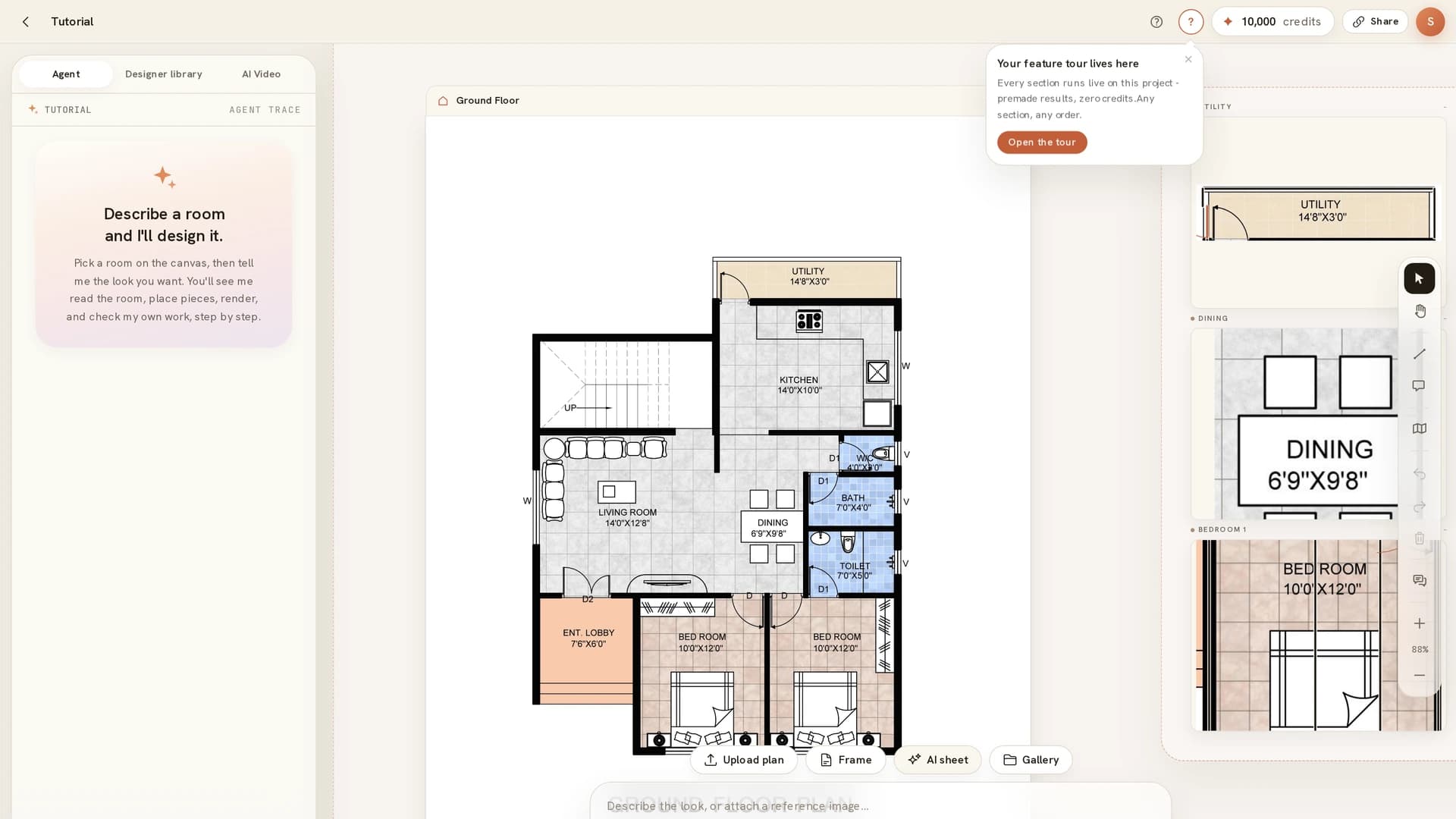
Selecting and opening things
The canvas has three separate click actions and they do different things. What each one does, and when to use it.
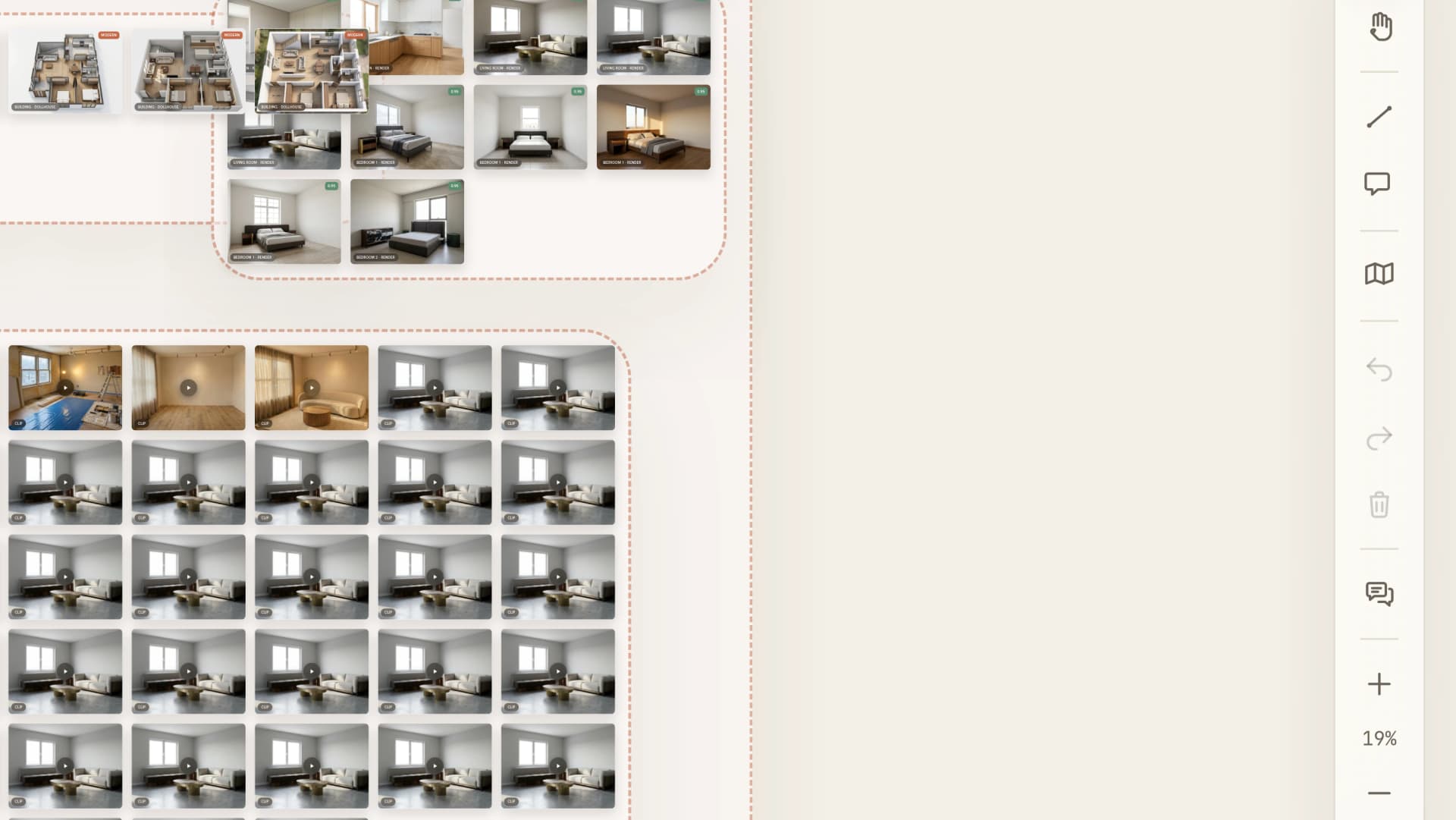
Panning and zooming
The canvas is infinite, so work can end up off-screen. How to pan, zoom, reset, and get back to something you have lost.
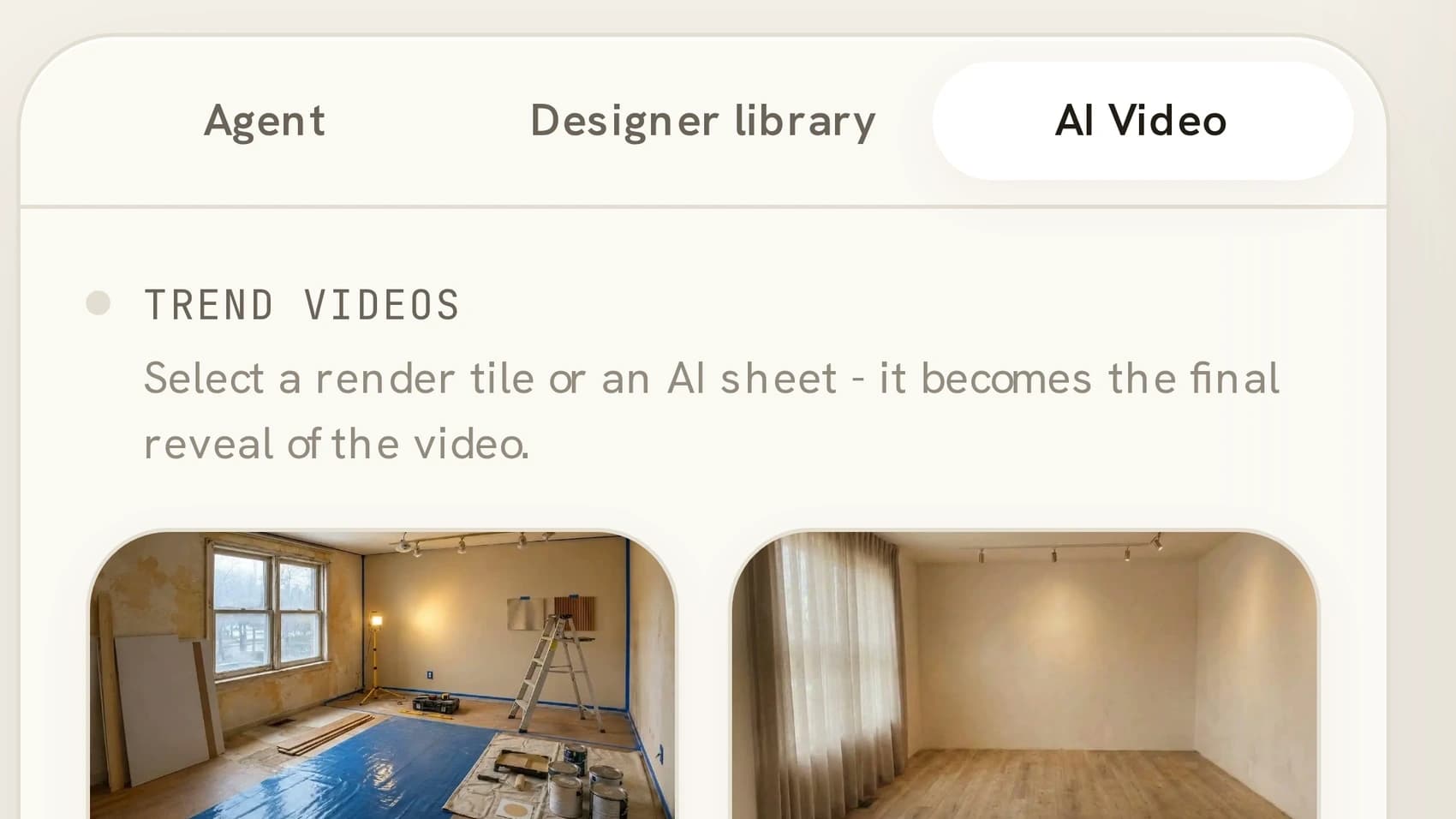
Video clips
Pick a camera move, generate a clip from a render or an AI sheet, and play it back on the canvas.
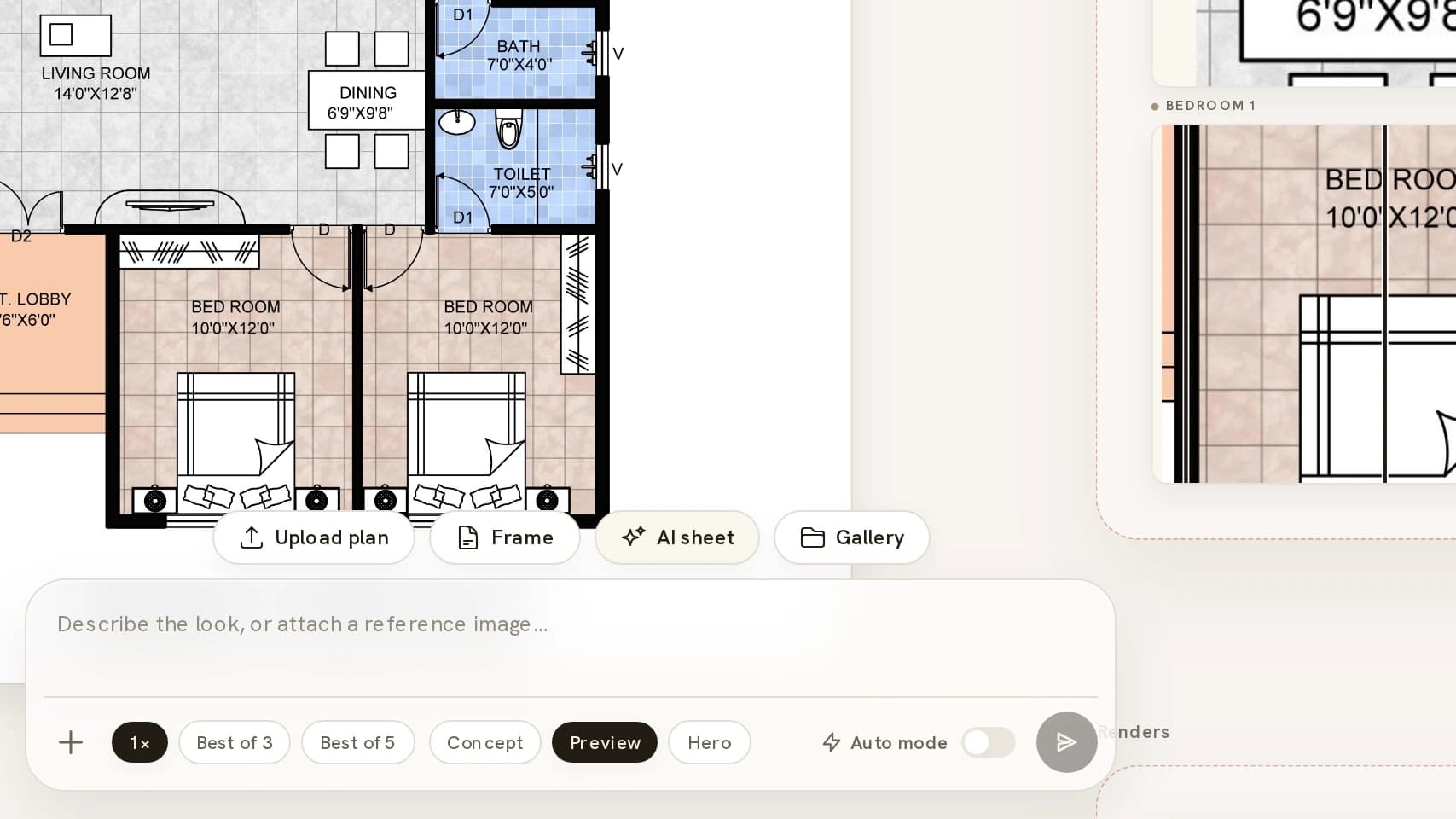
Using RoomGen on a phone
Projects are editable on a phone: what the touch layout changes, the gestures that replace hover and right-click, and which four tools stay on desktop.
All of these live in the documentation, which is also reachable from inside the studio.